
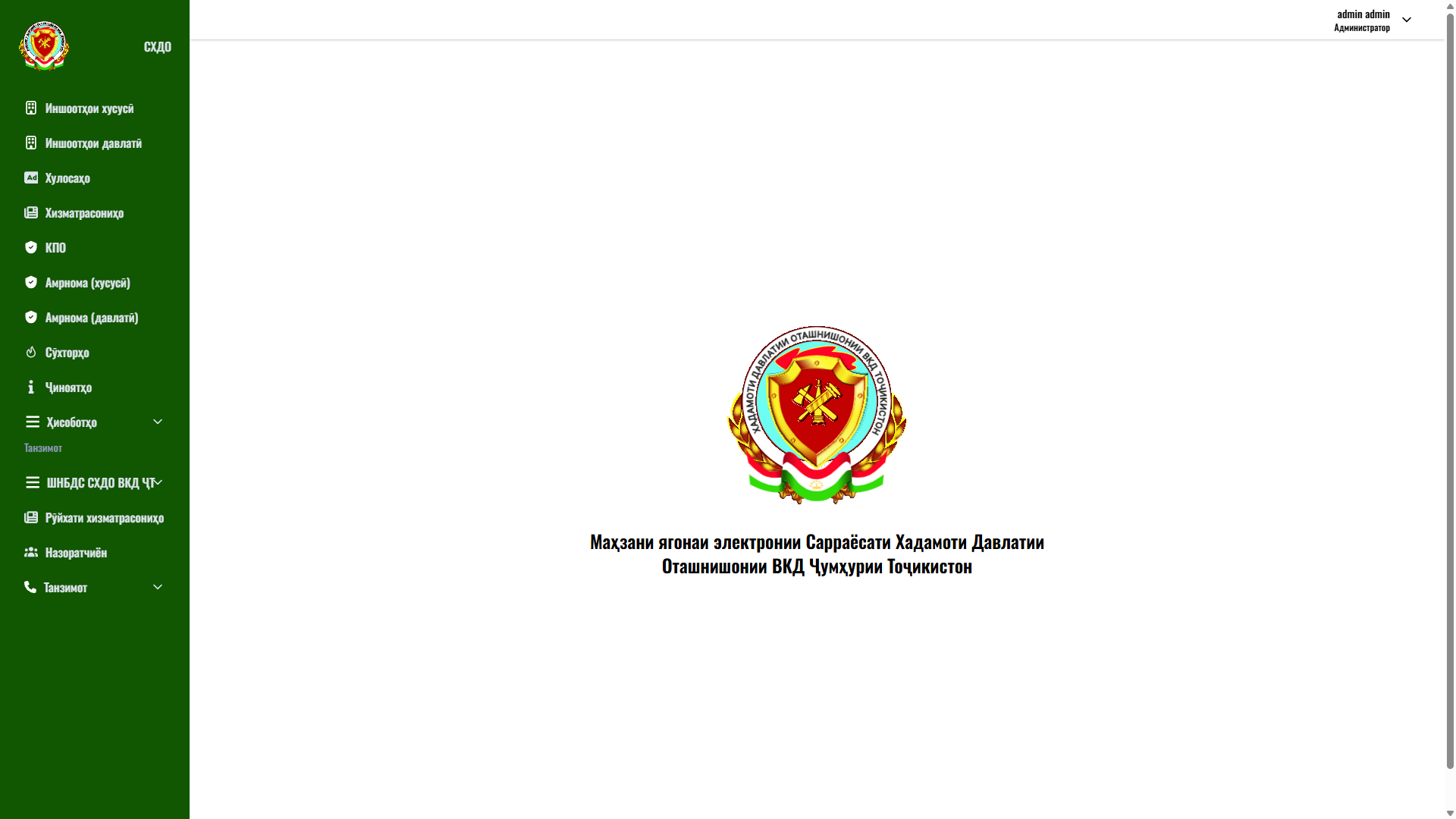
Main Workspace
Navigation across all accounting and reporting modules
The workspace opens immediately after sign-in and brings all system tools together in one interface. The left sidebar holds the primary menu: Private Facilities, State Facilities, Conclusions, Services, Fire-Technical Inspection (FTI), Orders (private), Orders (state), Fires, Criminal Cases, Reports, plus configuration sections — the departmental register, Services List, Inspectors and Settings. Each item carries an icon for quick visual recognition.
The central area displays the service emblem and the full name of the organisation — “Unified electronic repository of the Main Directorate of the State Fire Service of the Ministry of Internal Affairs of the Republic of Tajikistan”. The top-right corner shows the user's name and role (“Administrator”) with a profile dropdown.
User journey: an authenticated employee selects the required module in the sidebar and moves on to facility accounting, fire registration, criminal-case handling or report generation. Expandable items (Reports, Settings) group related sections.
Business value: a single workspace with a logical grouping of modules speeds up staff work and lowers the learning curve. This structure suits any departmental ERP system with a large number of functional sections.