
Features
Tools for customer support, teamwork and analytics
Architecture and functionality of the Features section
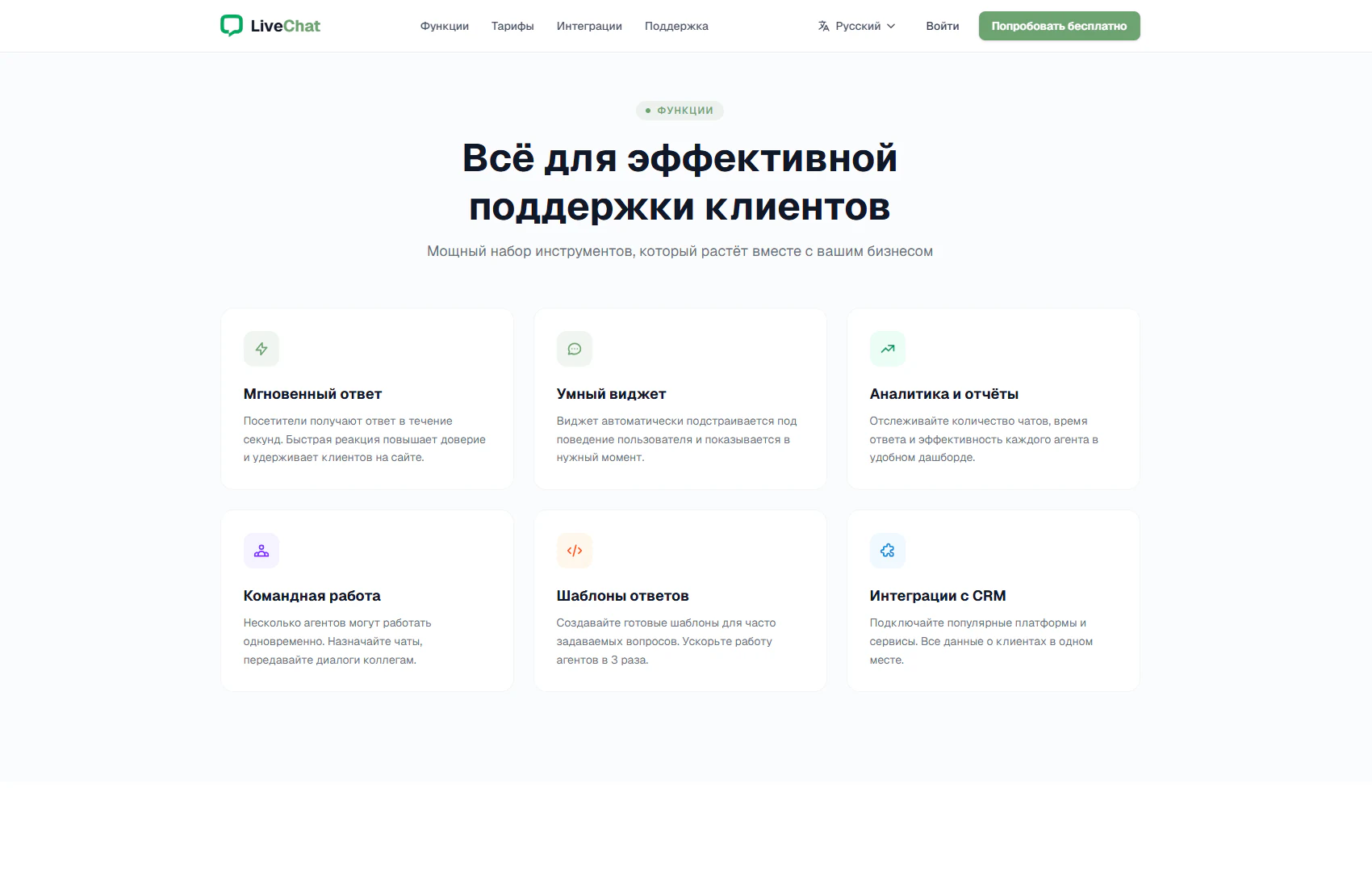
The section presents LiveChat’s core capabilities under the heading “Everything for effective customer support”. The subtitle connects the toolset with business growth. Six cards on a light background form two rows of three, each containing a coloured icon, a feature name and a short explanation.
1. Fast replies and visitor interaction
Instant replies explains the role of a quick response in building trust and retaining visitors. Smart widget describes showing chat according to visitor behaviour. Together, these cards introduce the first stage of communication: presenting a contact option at a suitable moment and helping visitors receive an answer.
2. Analytics and service monitoring
Analytics and reports lists support metrics: chat volume, response time and individual agent performance. The description connects these measures with a shared dashboard, explaining the purpose of the analytics tool without requiring a detailed demonstration.
3. Collaboration and reply templates
Teamwork introduces several agents working simultaneously, assigning chats and handing conversations to colleagues. Reply templates covers prepared messages for frequently asked questions. These capabilities show how a team can distribute enquiries and reduce repetitive typing.
4. Integrations and presentation structure
CRM integrations describes connecting external platforms and bringing customer data together. A consistent layout across all six cards helps visitors compare communication, analytics, team organisation and connections to other services. Coloured icons provide visual cues, while short paragraphs make the section easy to scan.
The section helps visitors relate product capabilities to their support needs and decide which tools to explore further. The header provides access to pricing, integrations and the free trial.