
Customisation
Widget appearance and greetings tailored to the website’s brand
Architecture and functionality of the Customisation section
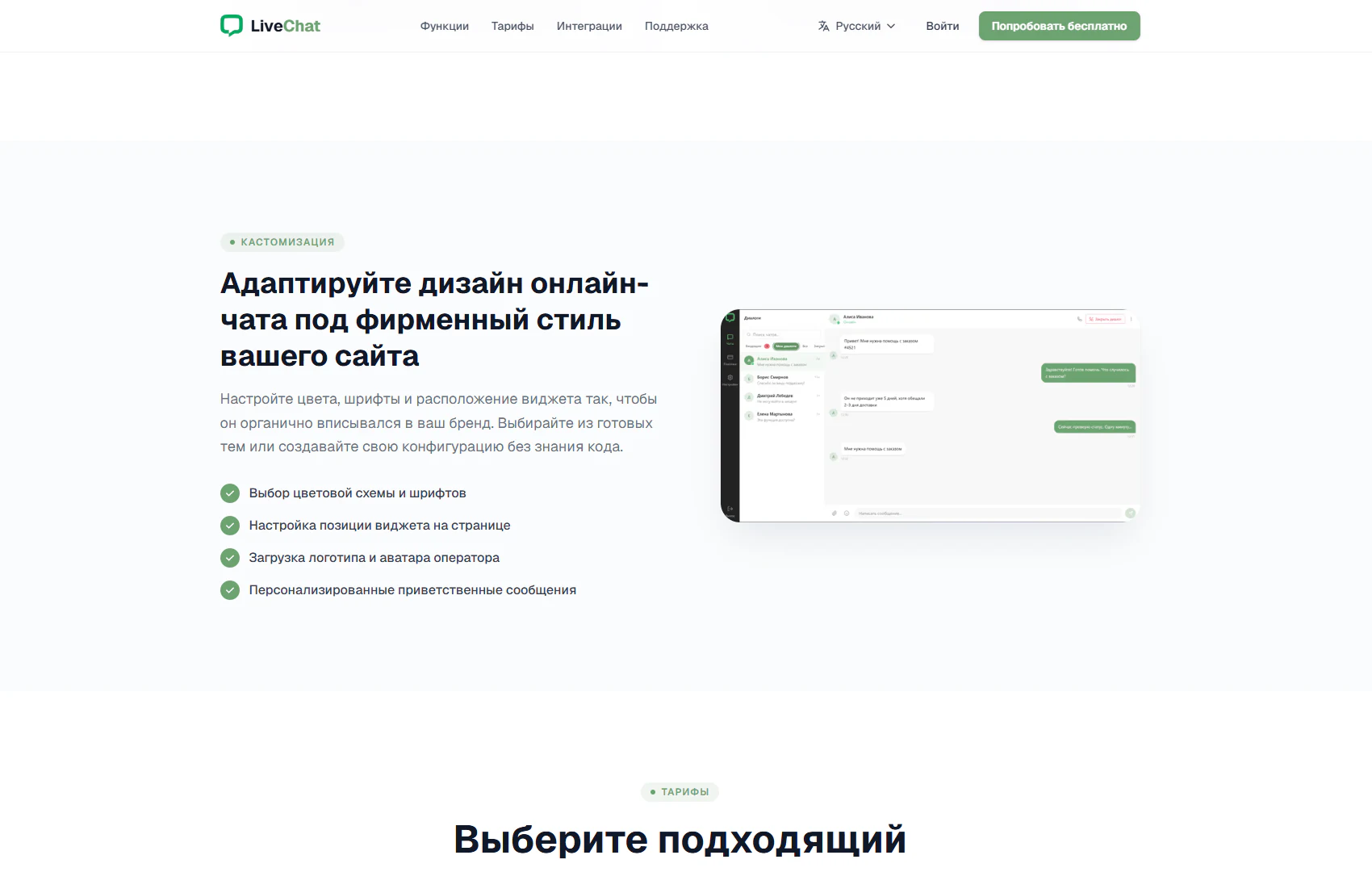
The section presents ways to adapt online chat to a website’s brand identity. A category badge, the heading “Adapt your online chat design to your website’s brand” and explanatory text appear on the left. A conversation interface preview sits on the right. This two-column layout pairs configuration options with a visual introduction to the product.
1. Colours, fonts and ready-made themes
The introduction offers ready-made themes or a custom configuration without coding. The first list item highlights colour and font selection. It explains how chat appearance can align with the website’s visual language and maintain brand recognition in customer communication.
2. Widget placement and personalisation
The next items describe choosing the widget’s position and uploading a company logo and operator avatar. These settings cover both the chat entry point and how the company and its staff appear in the interface. Green check marks make the capabilities easy to scan.
3. Greeting messages
A separate item introduces personalised greetings. It complements appearance settings with the content of the first interaction: the company can adapt its greeting to its communication style. Together, presentation and wording help make chat part of the website’s overall user experience.
4. Visual example and further exploration
The image on the right shows a conversation panel with a contact list, messages and green accents. It illustrates the product’s appearance alongside the configuration list. The Pricing section begins below, leading visitors from capabilities to choosing a suitable plan.
The section helps visitors assess how the service could fit their existing website design. A concise settings list and interface example provide a basis for further product exploration and discussion of appearance requirements.