
🇬🇧EN
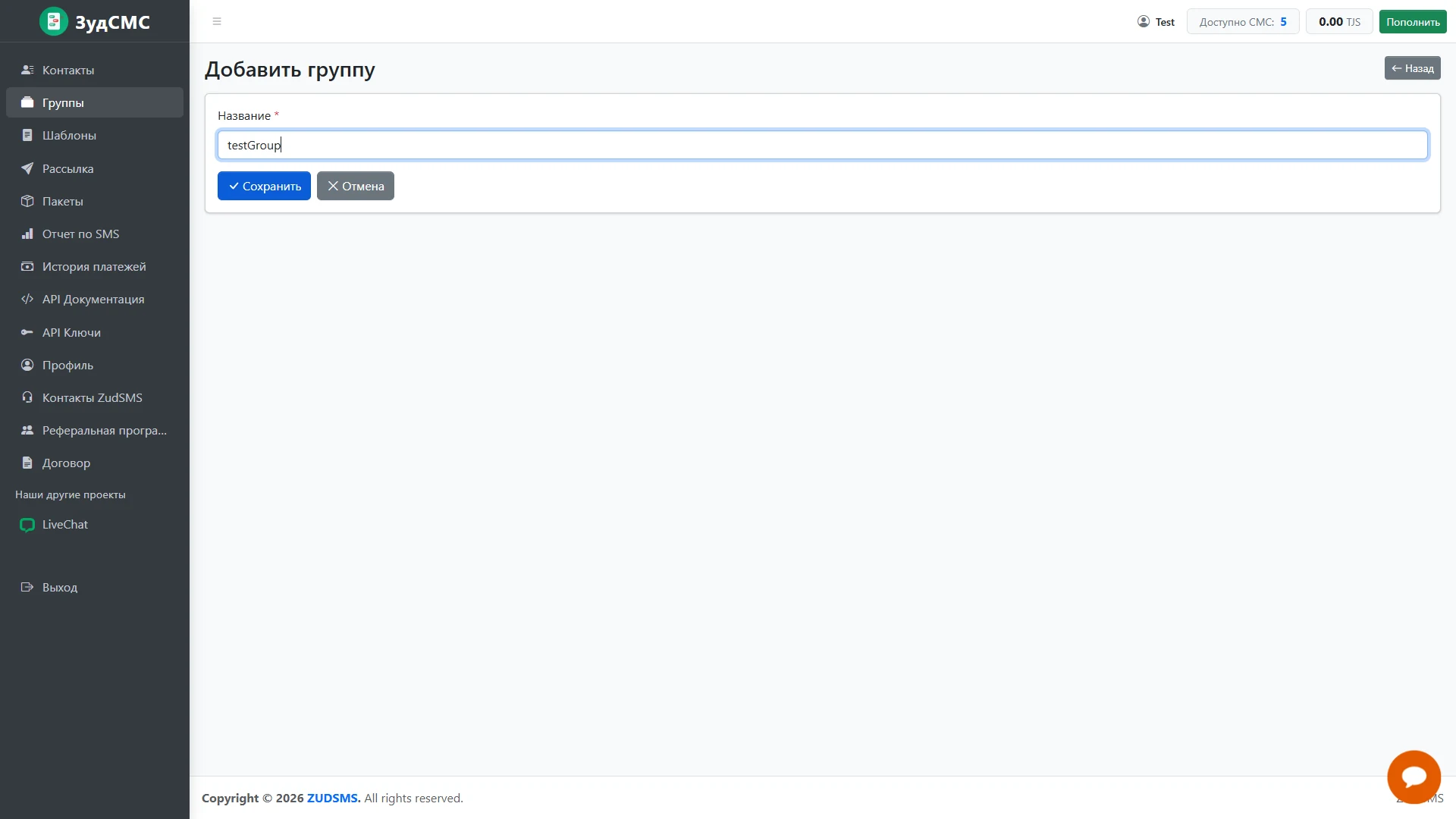
Create a contact group
Prepare a recipient segment.
Prepare a recipient segment.
1. Screen structure
The Add group screen contains one required name field, shown with a test value and input focus.
2. Controls and actions
Save, Cancel and Back provide clear next actions; Groups is highlighted in the sidebar.
3. User journey and value
Named groups organise the address book and provide a way to select a particular audience when composing a campaign.