
🇬🇧EN
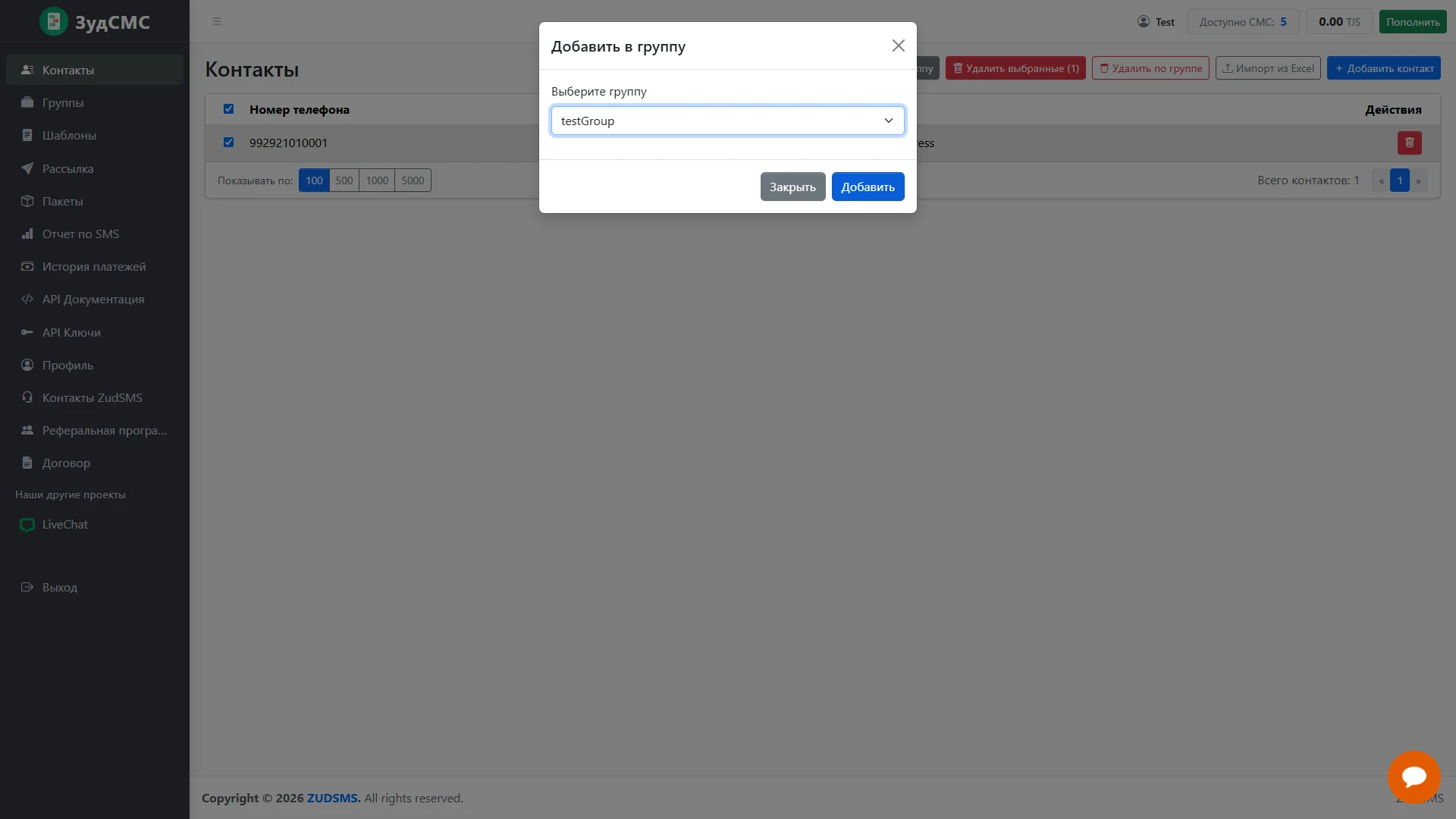
Assign selected contacts to a group
Group assignment through a short dialog.
Group assignment through a short dialog.
1. Screen structure
A selected contact remains visible behind the Add to group modal. The dialog contains a group selector showing the test group.
2. Controls and actions
Users check the destination and add the selection or close the dialog. The underlying selection keeps the operation in context.
3. User journey and value
This flow supports segmentation directly from the main list without re-entering contact details.