
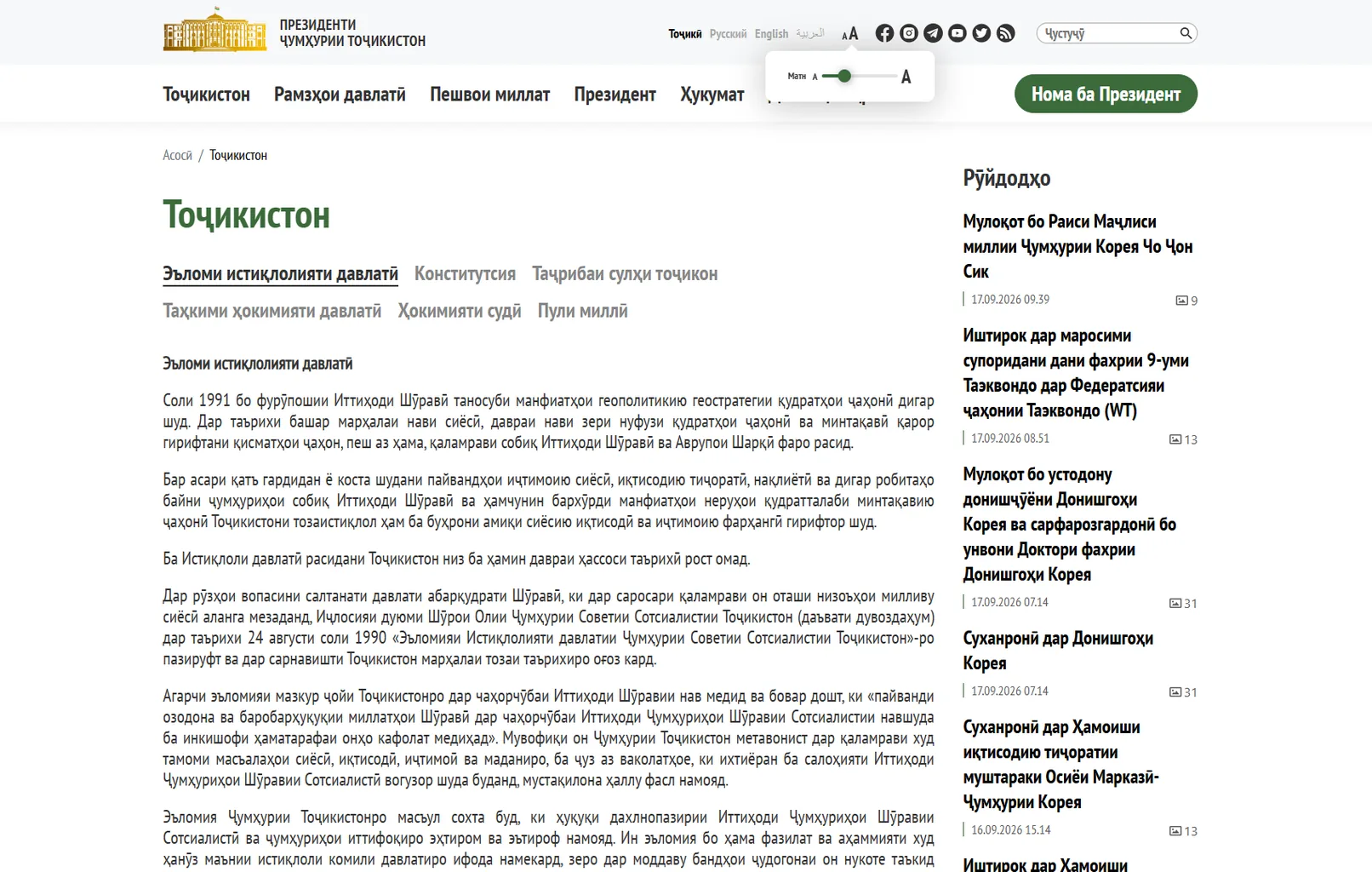
Text Size Controls
Accessibility controls for adjusting font size
This screen from the Tajikistan section demonstrates a built-in text-size control panel. In the top area next to the language settings, a compact window opens with a scale from smaller to larger font size.
The main content remains available: the section heading, topic tabs, article text, and current-events feed are visible alongside the control. This lets visitors adjust reading comfort without leaving the current page or losing context.
User journey: the visitor opens the accessibility panel, selects a comfortable text size, and continues reading the material at the updated scale.
Business value: this tool makes a portal more convenient for people with different visual needs and reading preferences. It improves digital-service accessibility and supports modern expectations for inclusive interfaces.