
Appeal Attachments
File upload and final appeal submission
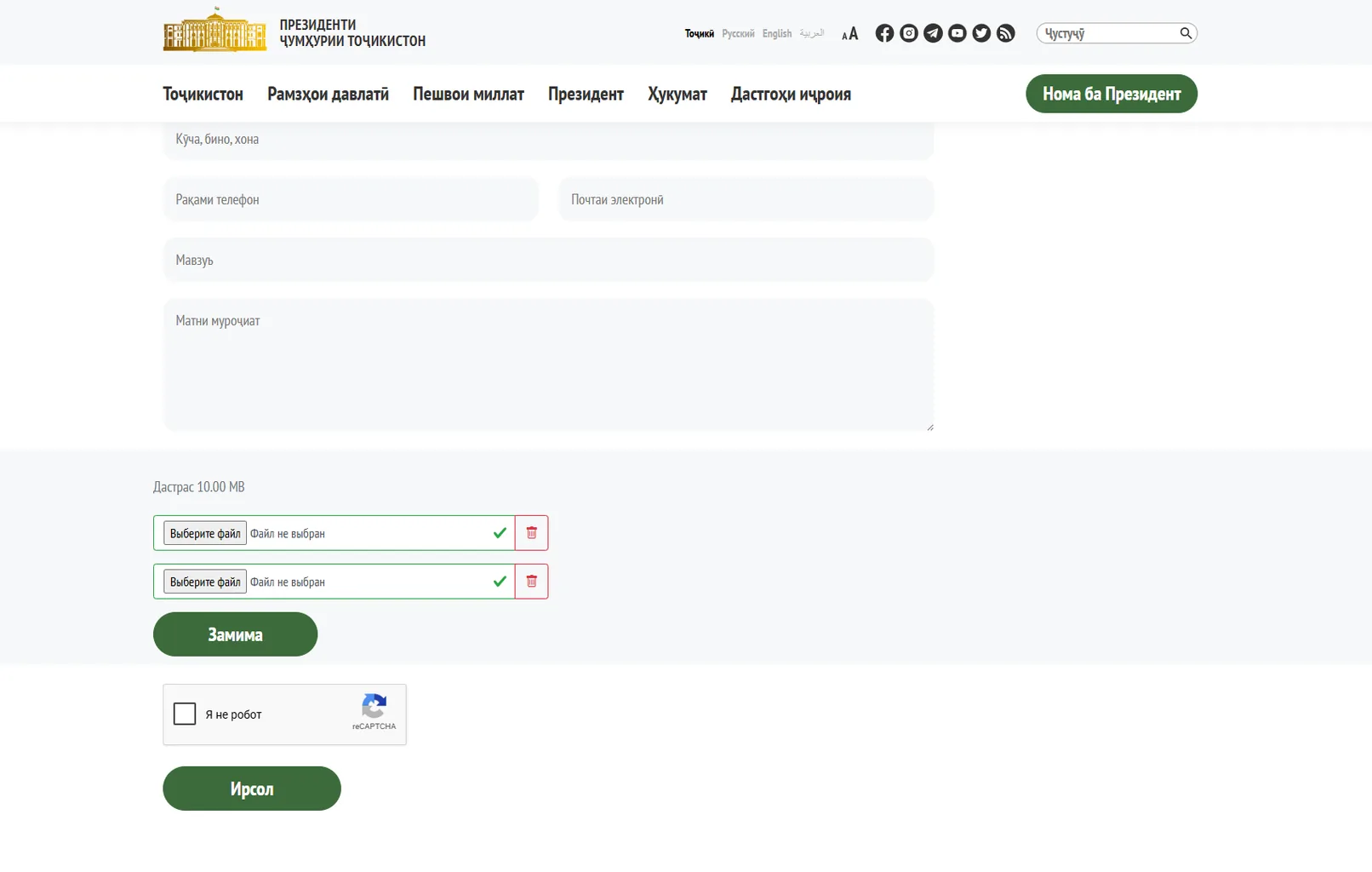
This screen completes the Appeal to the President form and shows the steps after the main fields have been filled out. Visitors can attach supporting files, save a draft, or proceed to final submission.
The upper area shows the remaining contact fields and the appeal text field. Below is an attachments block with a file-size limit, two upload rows, and clear file-selection and removal states. A reCAPTCHA check and the primary submit button are displayed separately.
User journey: the visitor attaches required documents, saves the appeal if needed, passes the “I’m not a robot” check, and sends the completed form.
Business value: this final stage suits application, appeal, and document-workflow services. The ability to attach materials, save progress, and confirm submission makes the process more reliable and improves the quality of incoming requests.