
Setup completion and installation
Setup confirmation, widget installation code and access to the account
Architecture and functionality of setup completion
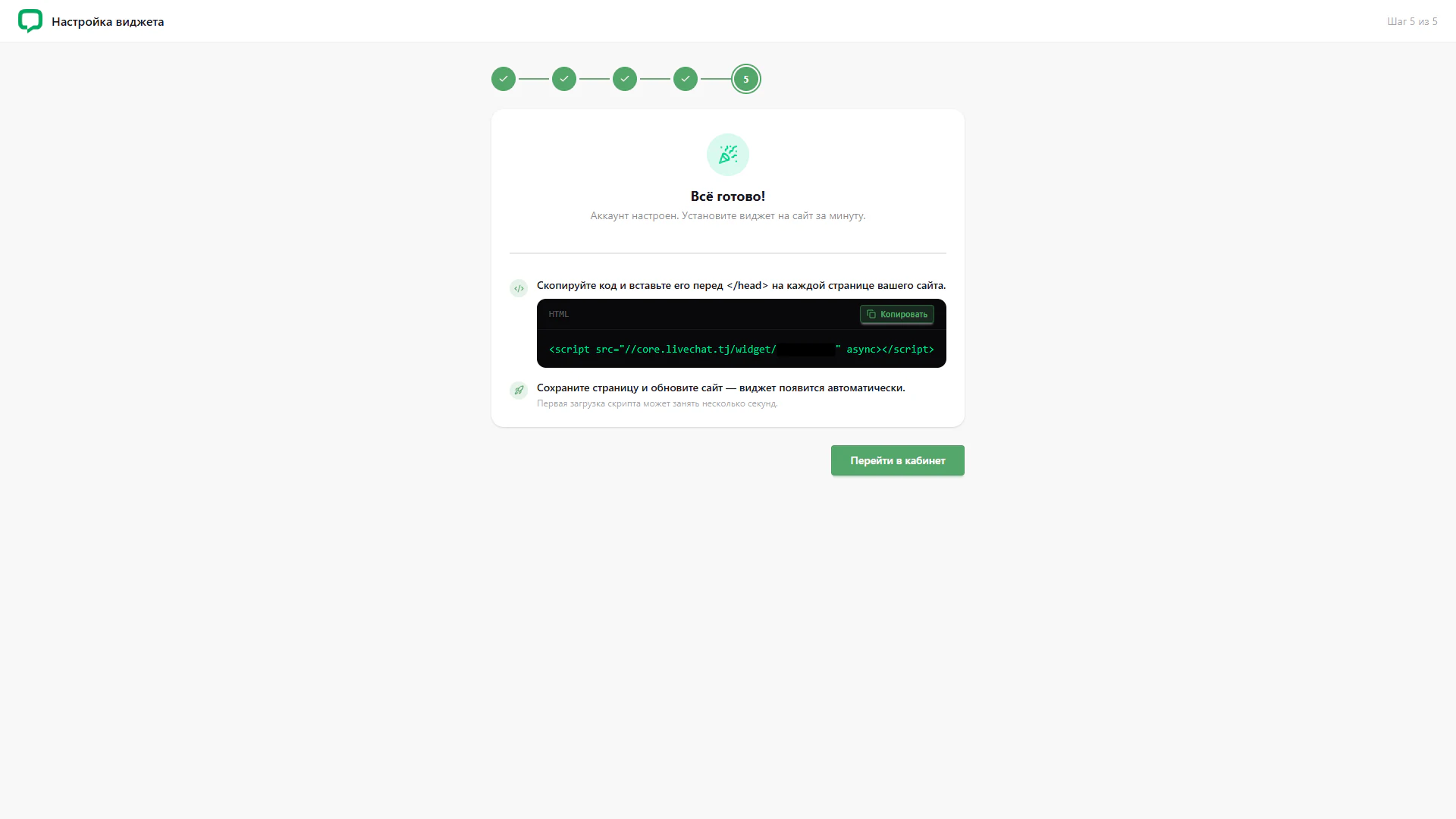
The fifth step presents the wizard’s result: All done. The text states that the account is configured and invites users to install the widget on their website. A central card combines confirmation with installation guidance.
1. Completion status
The first four steps have check marks and the fifth is current. An icon above the heading visually reinforces completion of account setup.
2. Integration code
A dark HTML block contains a script snippet and a Copy button. The instruction asks users to insert the code before the closing head tag on each website page. Part of the address is obscured in the screenshot and is not reproduced here.
3. After inserting the code
The next instruction asks users to save the page and refresh the website. It explains that the widget will appear automatically and the initial script load may take a few seconds. This is interface guidance, not confirmation of an actual website installation.
4. Account access
A green Go to account button sits below the card. It ends the wizard sequence and offers a route to continue in the main interface.
The screen separates account readiness from widget installation. Code, guidance and account access form a clear completion sequence.