
🇬🇧EN
Round chat button
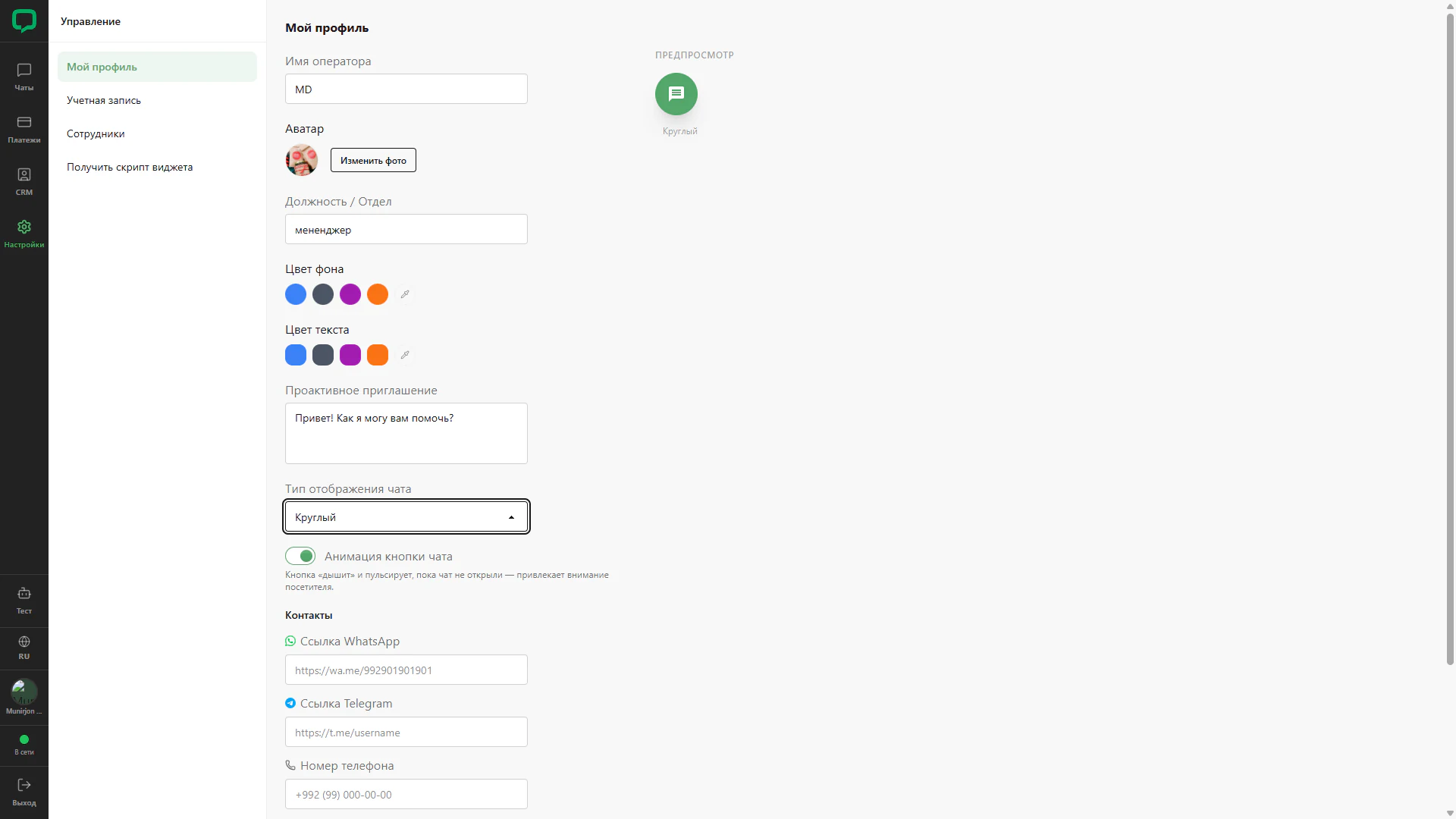
Selecting a round display in profile settings.
Architecture and functionality: Round chat button
Selecting a round display in profile settings.
1. Widget type
Round is selected in the chat type field below the greeting. The focused selector highlights the current choice.
2. Preview
The right side shows a green circular button with a white message icon and a shape label instead of an expanded chat card.
3. Other settings
Name, photo, position, colour palettes and contacts remain in the form. The animation switch is enabled.