
Integrations
Connections to messengers, CRM systems, website builders and APIs
Architecture and functionality of the Integrations section
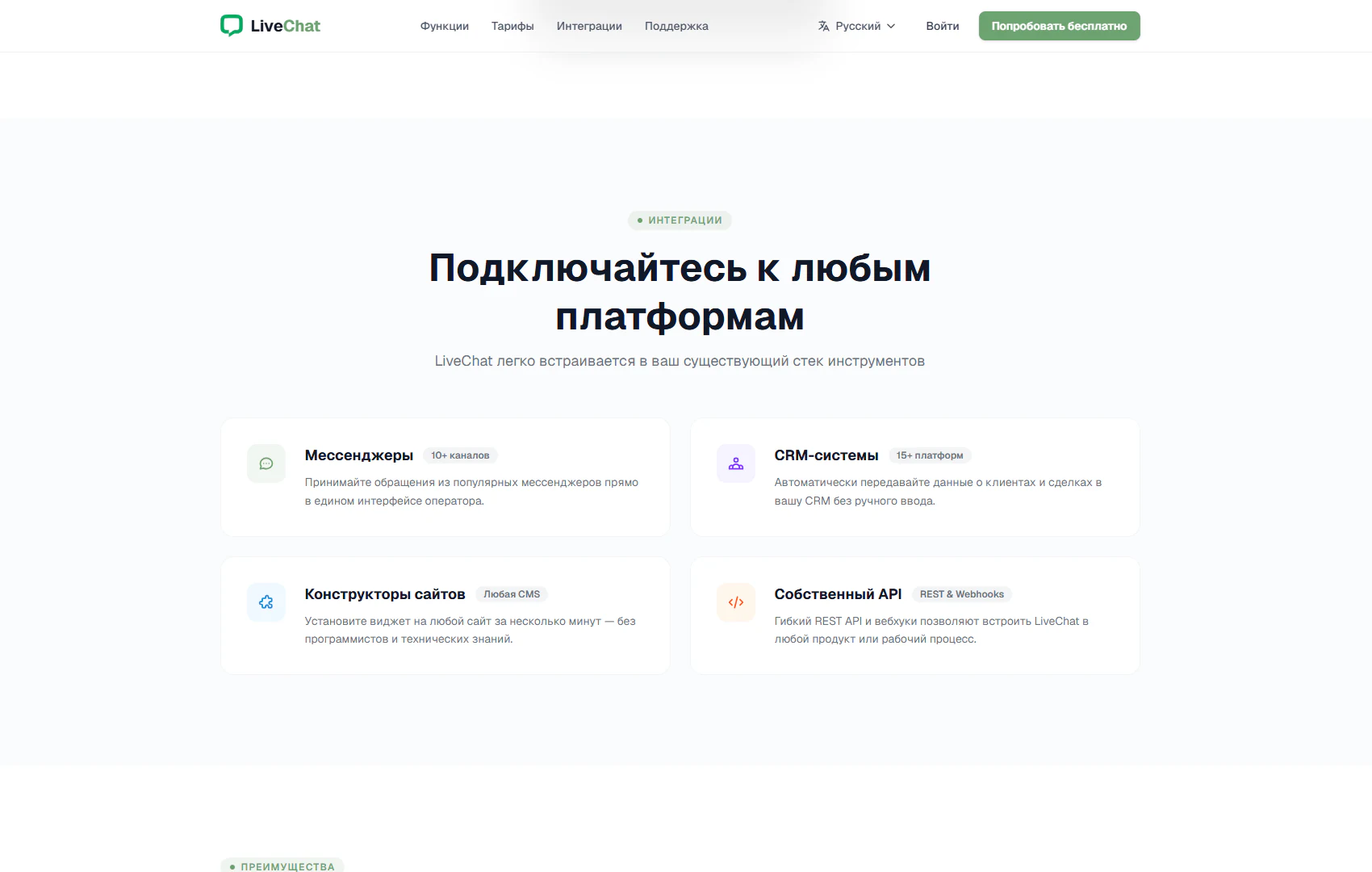
The section presents ways to connect LiveChat to a company’s tools. An Integrations badge precedes “Connect to any platform” and an explanation of fitting the service into an existing toolset. Four cards in two rows group the options by purpose: communication channels, customer data, website installation and programmatic connections.
1. Messengers and a shared operator interface
The Messengers card carries a “10+ channels” badge. Its text describes receiving enquiries from popular messengers in a single operator interface. This presentation explains the value of bringing channels together: staff can handle enquiries in a shared workspace.
2. CRM systems and data transfer
The CRM systems card, labelled “15+ platforms”, covers automatic transfer of customer and deal information into a CRM without manual entry. It connects chat communication with subsequent customer management and explains the integration through a specific data-handling task.
3. Website builders and widget installation
The Website builders card includes an “Any CMS” badge and presents installation in a few minutes without programmers or specialist technical knowledge. It addresses website owners who want to understand how to add chat to an existing web project. Specific platforms are not listed on this screen.
4. Custom API and workflows
The Custom API card is labelled “REST & Webhooks”. Its description introduces programmatic ways to connect LiveChat to company products and workflows. This option complements the other integration categories when a tailored connection to another system is required.
A consistent card structure — coloured icon, name, badge and short explanation — helps visitors locate the relevant category quickly. The section lets them compare the service’s capabilities with their company’s tools and identify connection options to explore further.