
🇬🇧EN
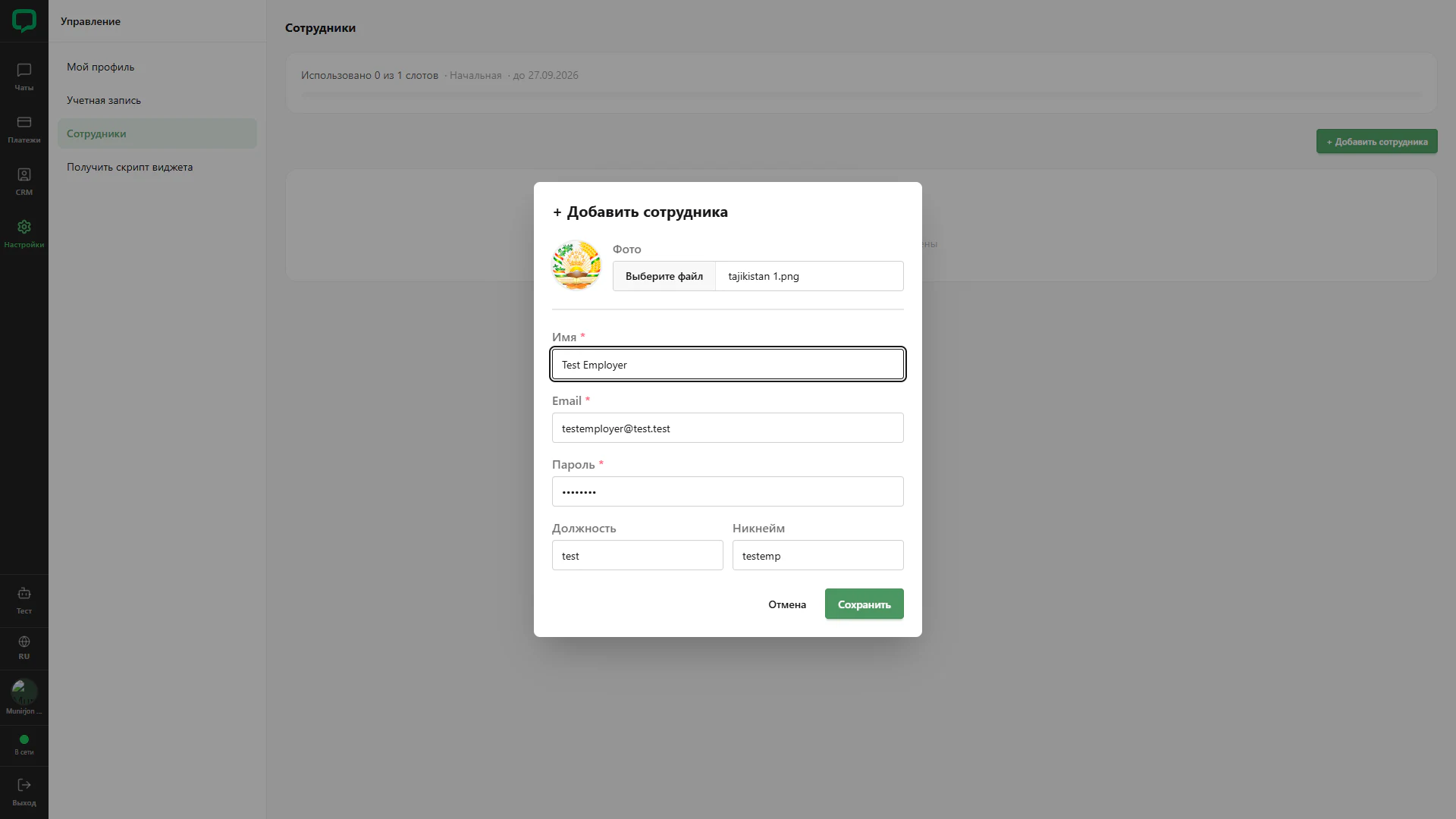
Completed employee form
Test employee details before saving.
Architecture and functionality: Completed employee form
Test employee details before saving.
1. Avatar
The selected image appears in a circular preview. The uploaded filename is displayed beside it.
2. Fields
Test Employer, a test email, masked password, position and nickname are filled. The name field retains focus.
3. Confirmation
A green Save button and Cancel appear below. The screenshot shows the completed form before the employee appears in the table.