
News
Publication feed with search
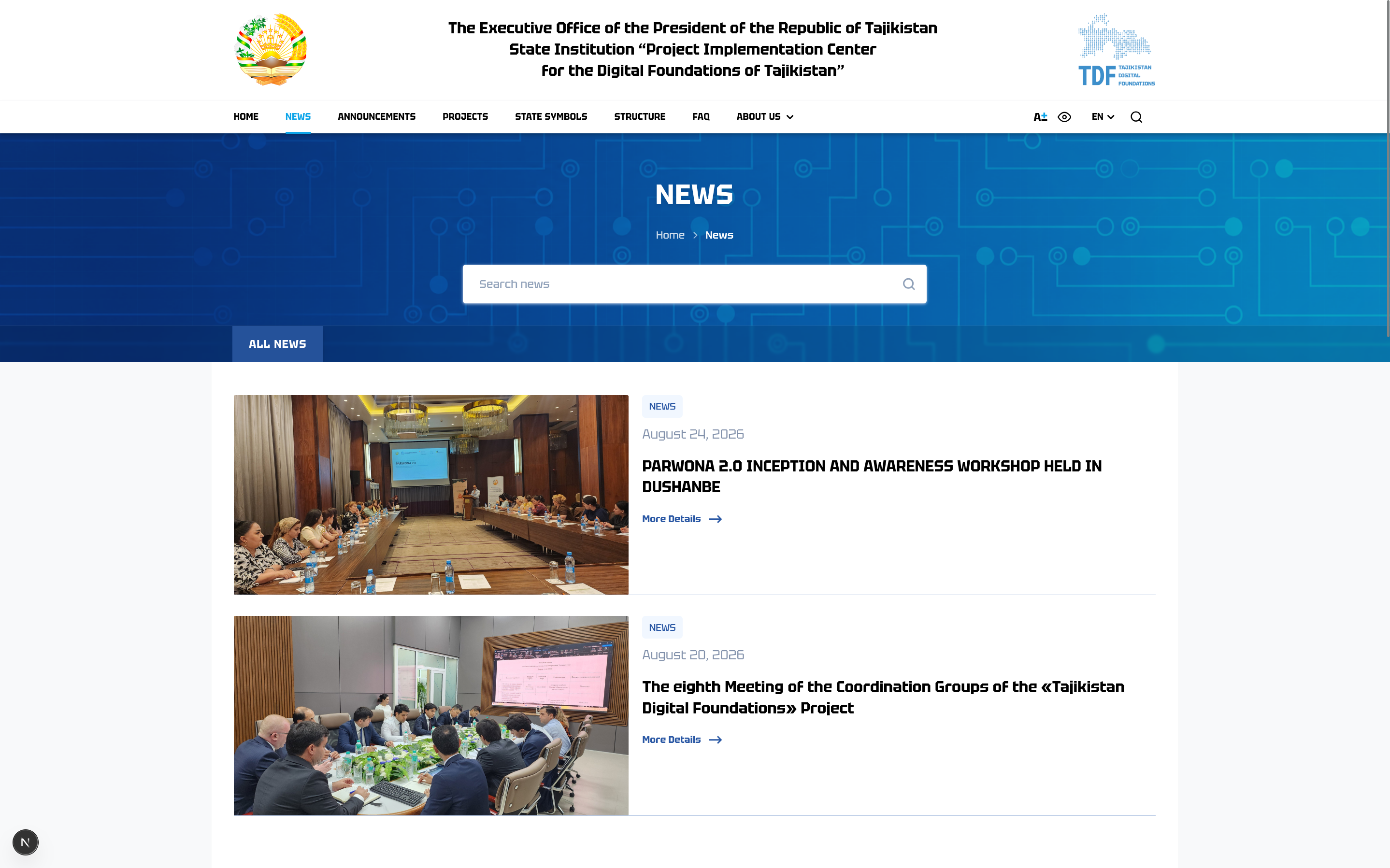
The News section organises publications on the project’s progress. Below the “News” heading and breadcrumbs is a news search field, followed by an All News tab and a feed of materials. Each news item is a card with an event photograph, a “News” category tag, a publication date, a headline and a More Details link. The screen shows materials about working meetings and project sessions, reflecting regular information coverage.
User journey: the visitor browses the news feed, refines the query through search if needed and opens the relevant publication via the More Details link.
Business value: a news module supports transparency and keeps the audience informed about the progress of work. A uniform card format with date and photograph makes the stream of publications easy to follow and conveys the impression of an active, regularly updated platform.