

🇸🇦AR
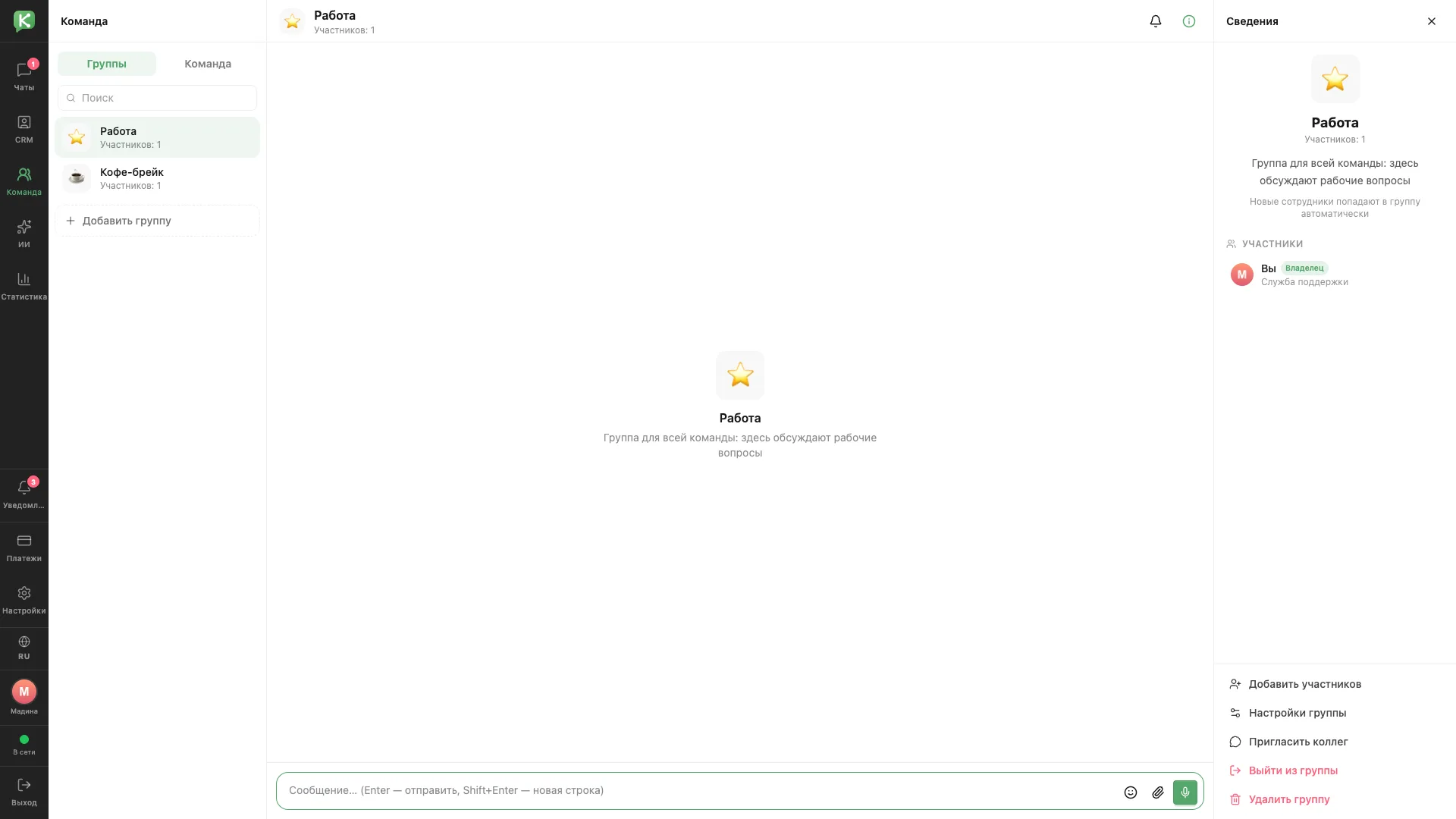
Team chat
An internal staff chat with groups, members and settings.
Architecture and functionality: Team chat
An internal staff chat with groups, members and settings.
1. Groups
The Groups tab contains Work and Coffee break groups with member counts. An Add group button creates a new space for discussions.
2. Messaging
The Work group is intended for the whole team and work-related questions. The message field supports emoji, attachments and voice recordings.
3. Details
The right panel shows the group description and members, including the Owner role. New employees join the group automatically, and actions let users add members, invite colleagues, change settings, leave or delete the group.