
ZudYob — intelligent AI search
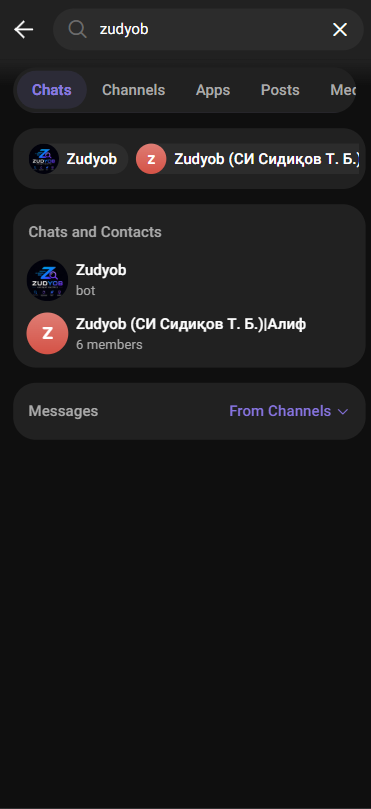
Find the bot in Telegram
Discover ZudYob through Telegram search.
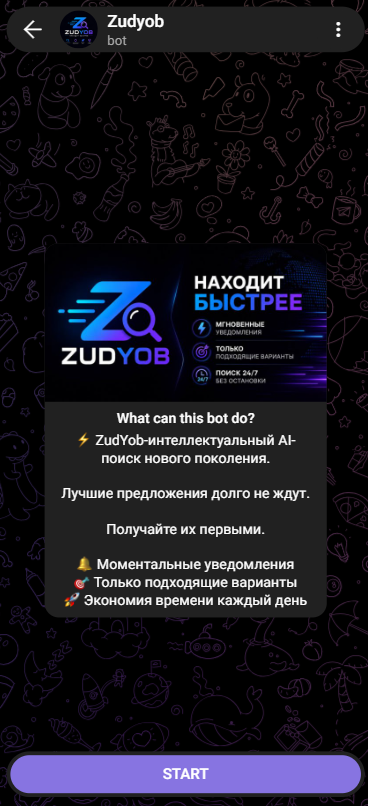
Service introduction
The promotional screen before starting the bot.
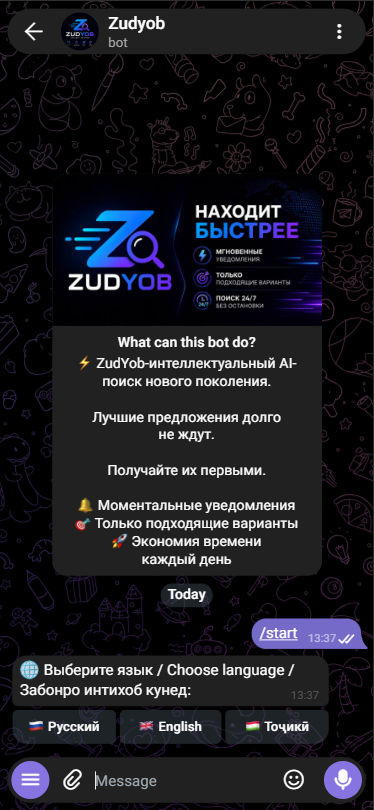
Language selection
A multilingual entry into the search flow.
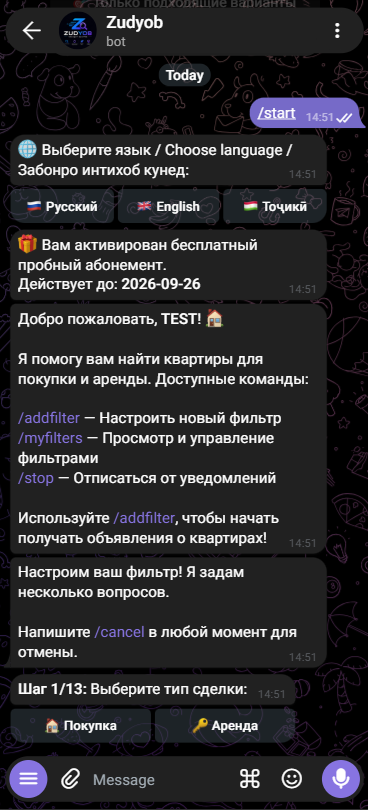
Getting started and deal type
Welcome, trial access and the first filter step.
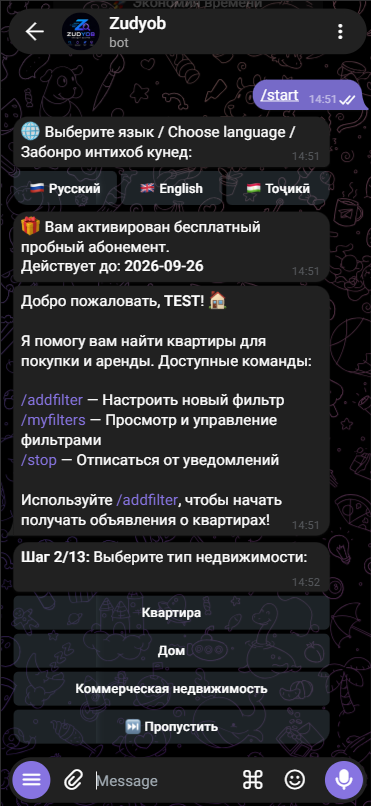
Property type
Choose the category of property to search for.
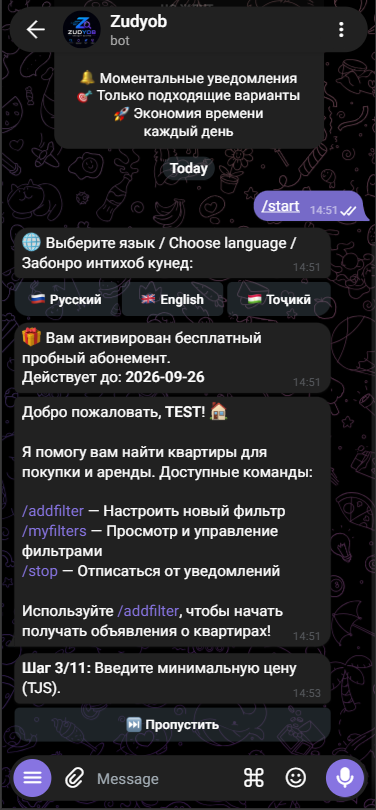
Minimum price
Set the lower budget limit in somoni.
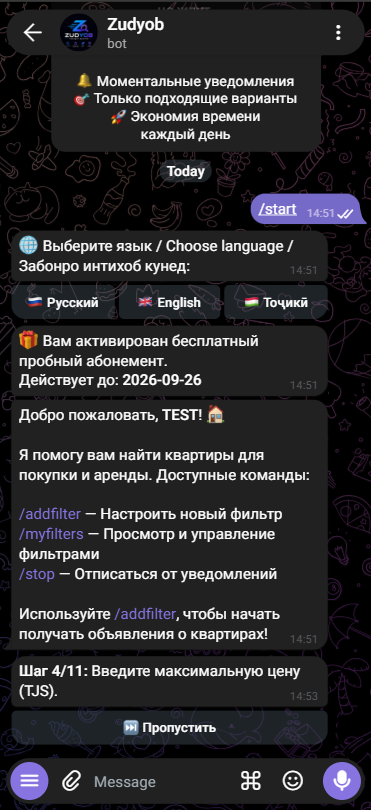
Maximum price
Set the upper search budget.
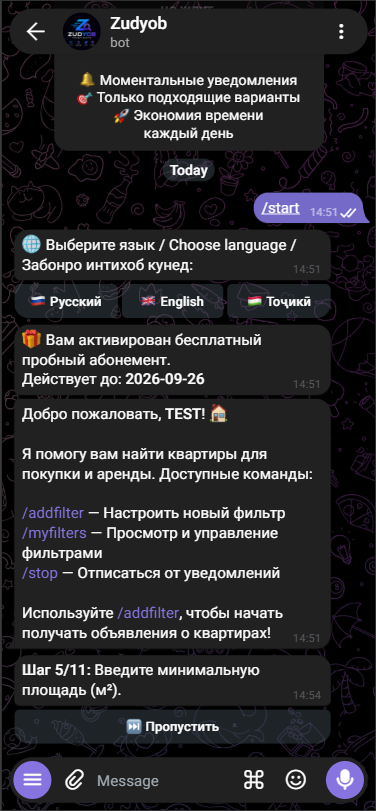
Minimum area
Set the minimum property size.
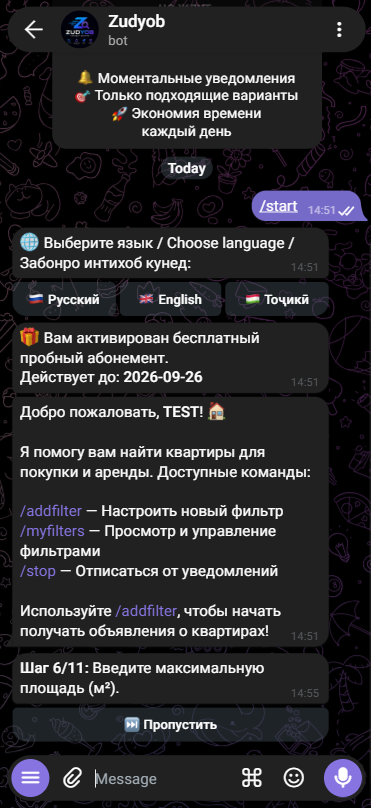
Maximum area
Complete the property area range.
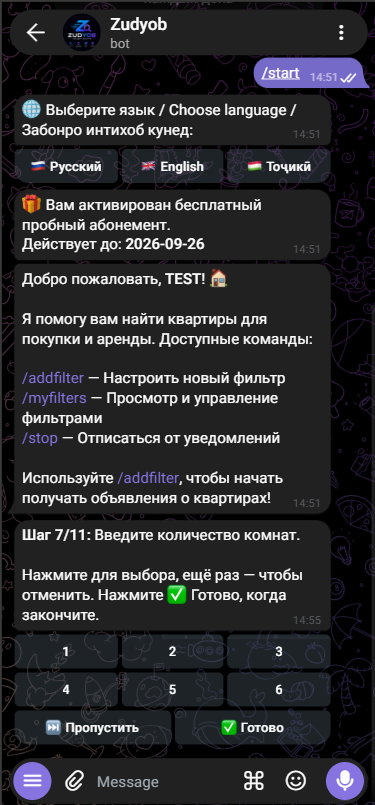
Number of rooms
Select multiple room counts.
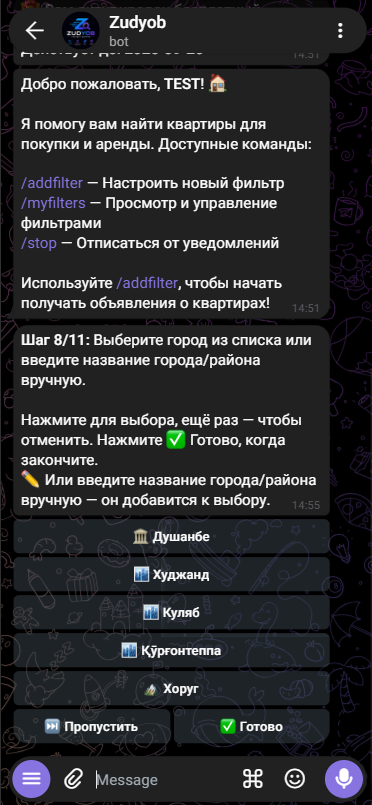
Search city
Search locations with presets and manual entry.
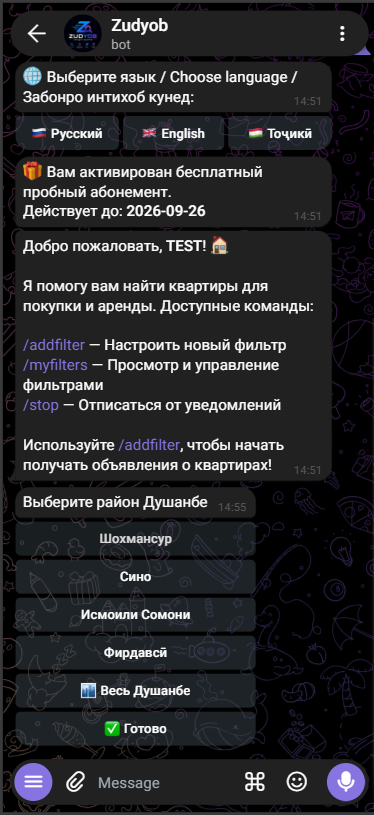
Dushanbe districts
Refine the location within the city.
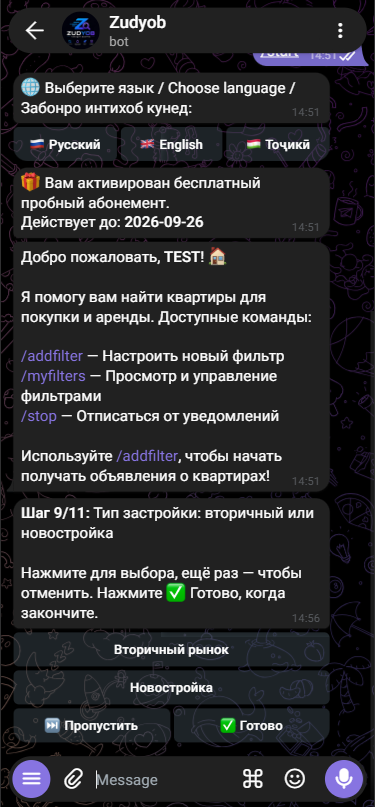
New build or resale
Choose a property market segment.
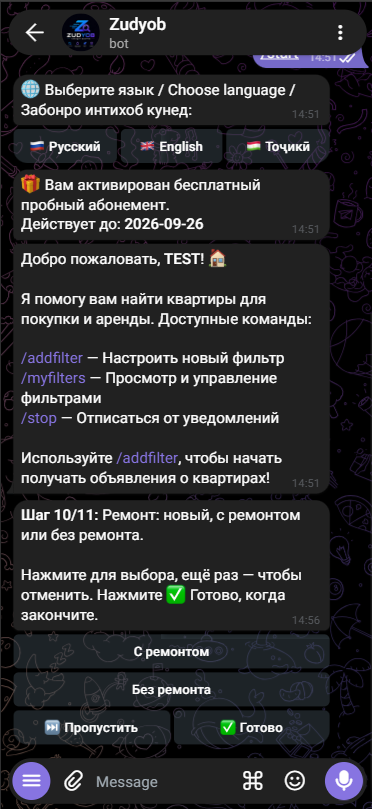
Renovation condition
Specify renovation requirements.
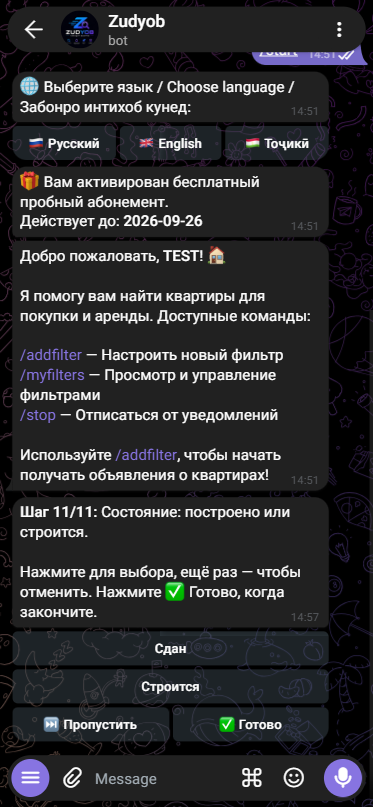
Construction status
The final displayed filter setup step.
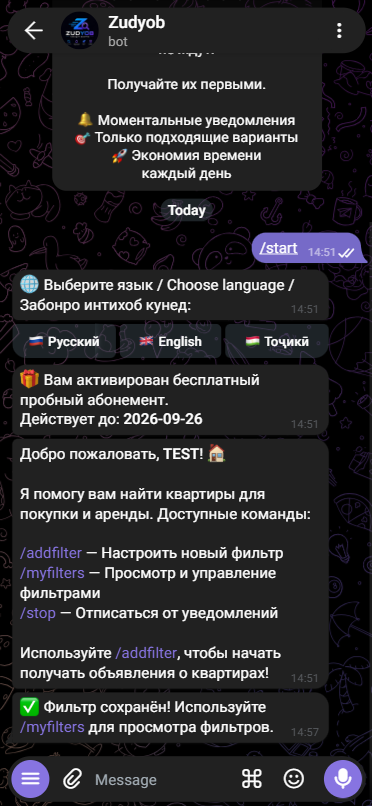
Filter saved
Confirmation that setup is complete.
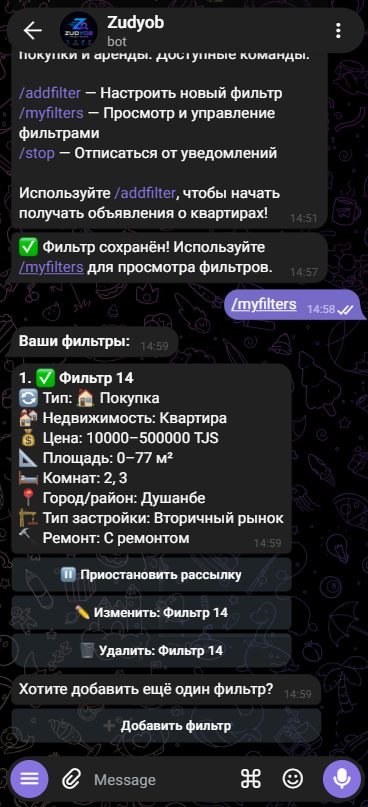
My filters
Review criteria and manage a search subscription.
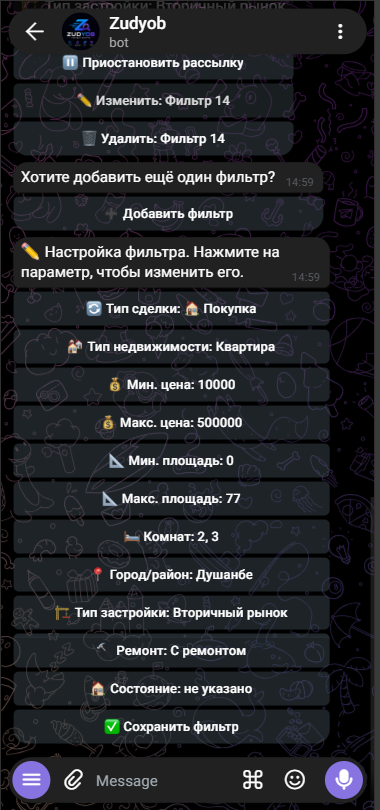
Filter parameter editor
Adjust individual criteria in a saved filter.
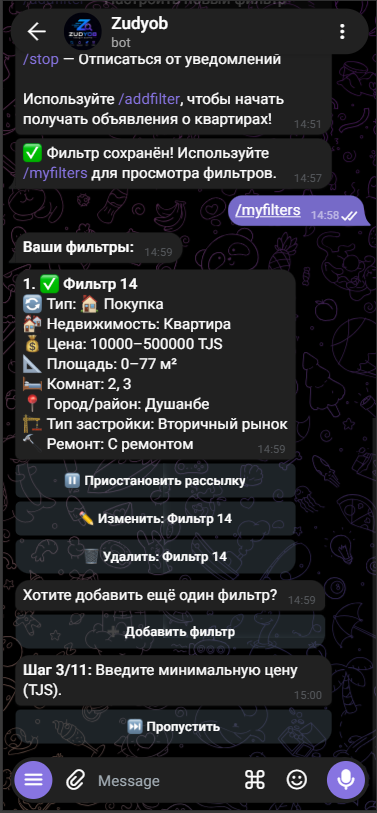
Edit minimum price
Re-enter one selected parameter.
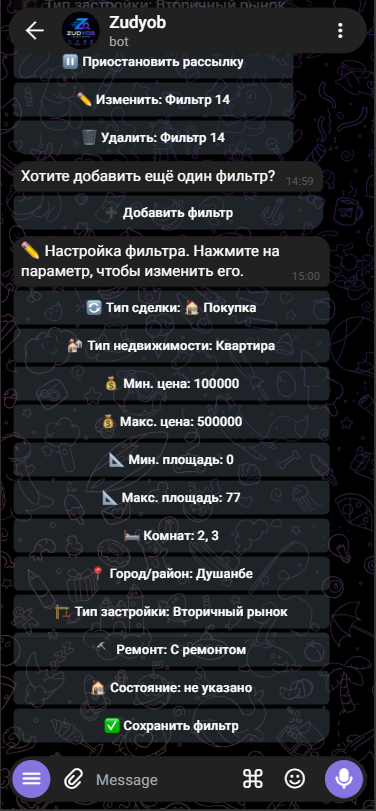
Review filter settings
A consolidated filter editing view.
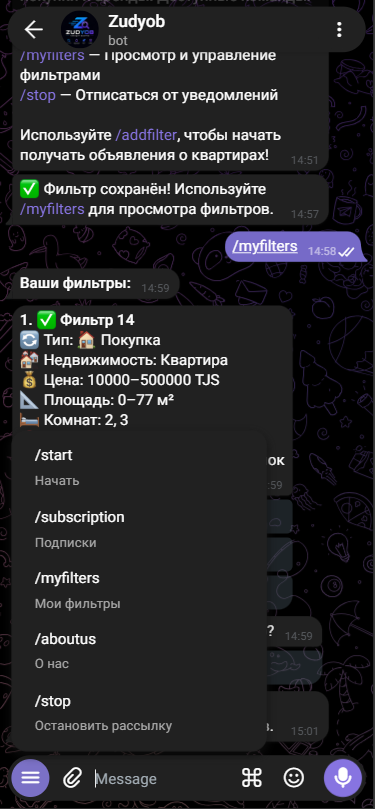
Command menu
Quick access to the main bot sections.
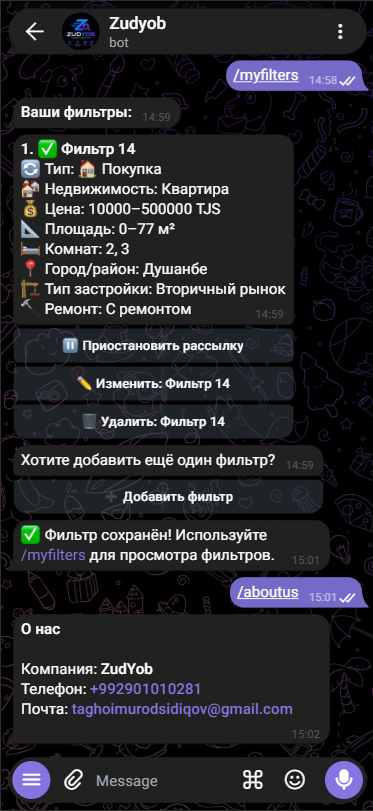
About and contact details
Contact information inside the conversation.
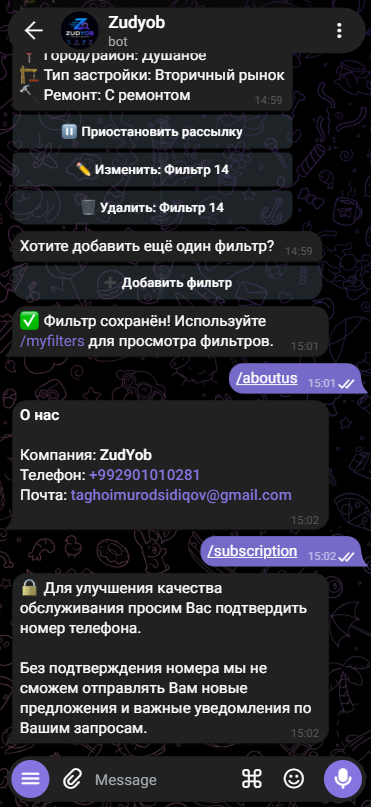
Phone confirmation request
Explain a requirement before subscription access.
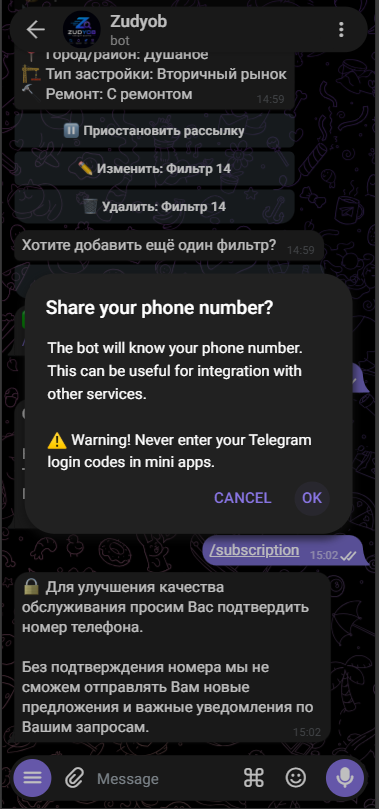
Confirm contact sharing
Telegram’s native consent dialogue.
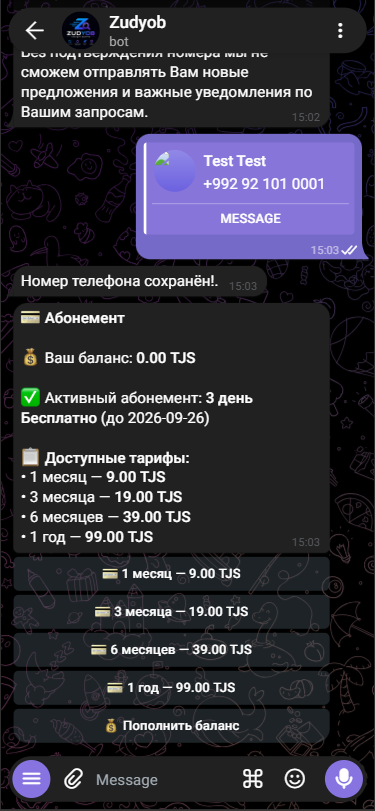
Subscription and plans
Balance, current access and renewal options.
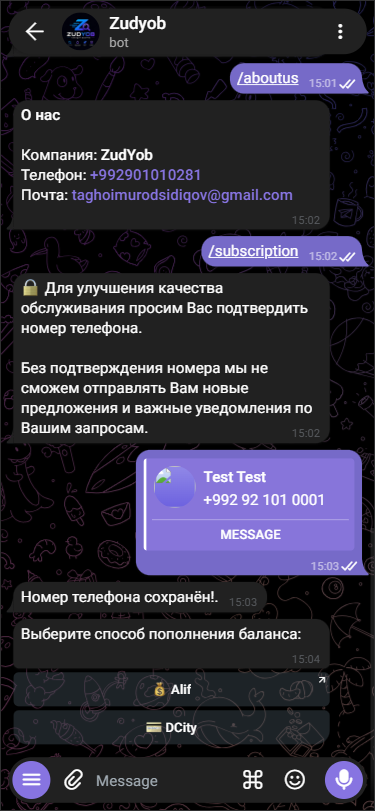
Balance top-up methods
Choose a payment service in the chat.
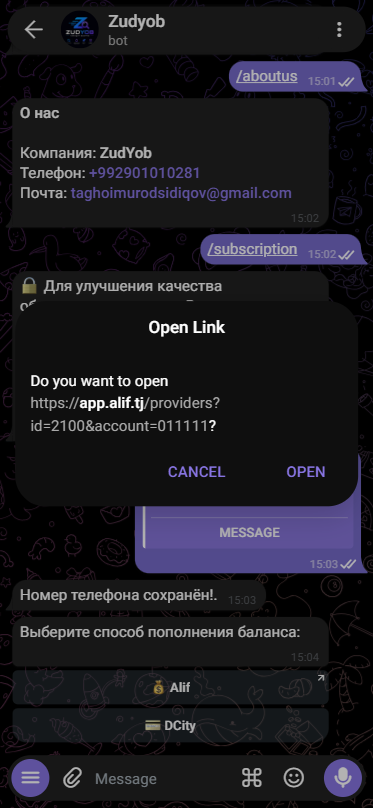
Continue to Alif
Confirm opening an external payment address.
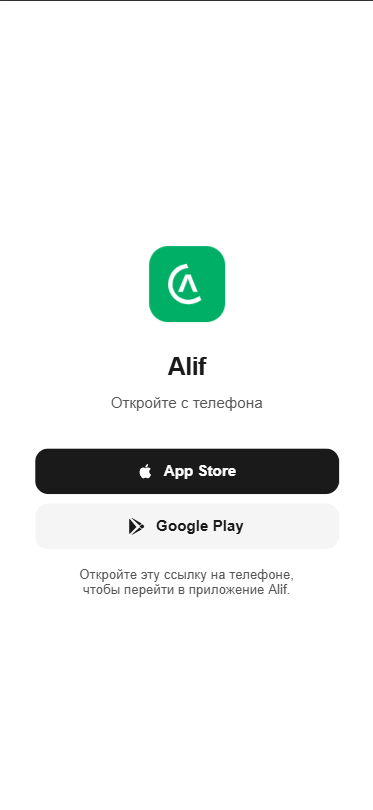
Alif app landing page
An external page asking the user to open the link on a phone.
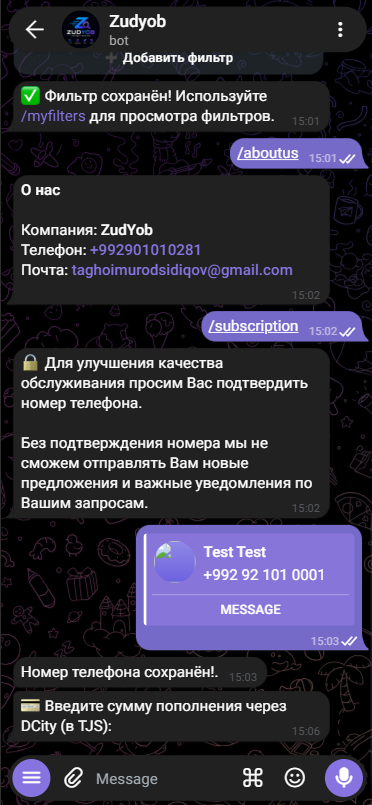
DCity top-up amount
Enter an amount for the payment request.
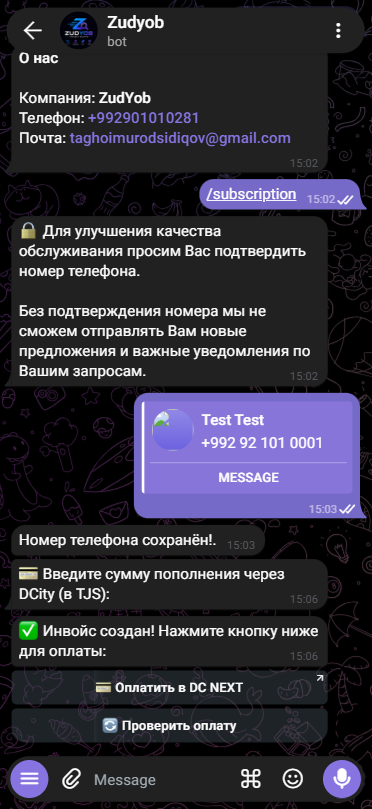
DCity invoice creation
Invoice creation confirmation and next actions.
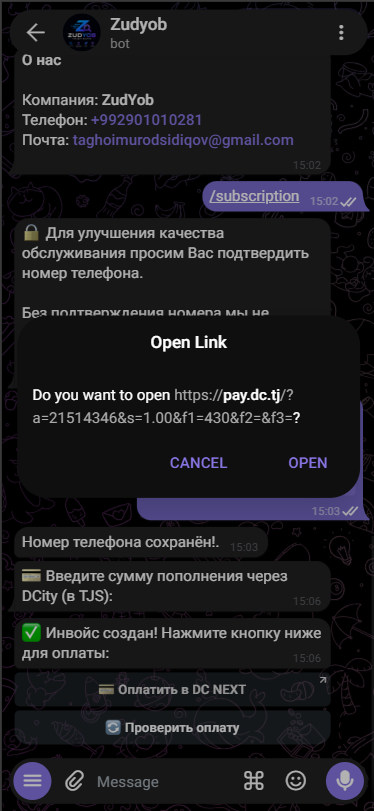
Confirm the DCity link
Open the external payment destination.
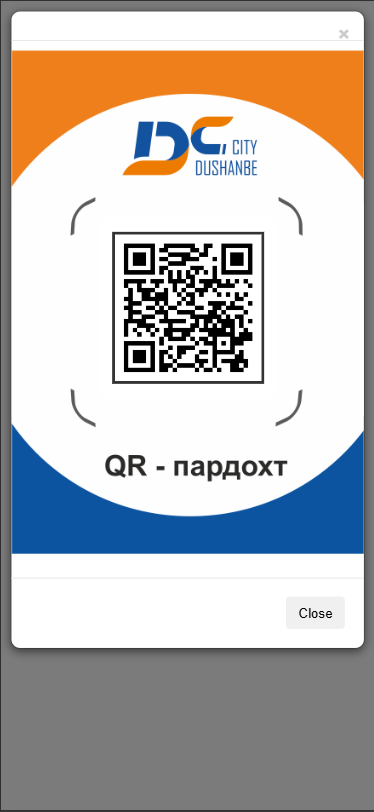
Payment QR code
A DCity payment page with a QR code.
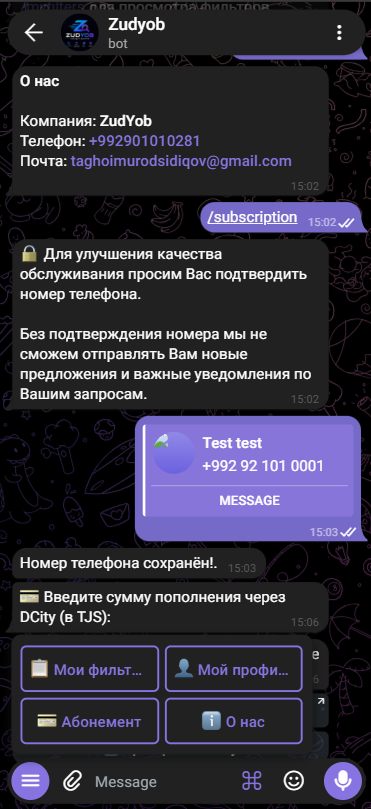
Section shortcut keyboard
Navigate with the bot keyboard.
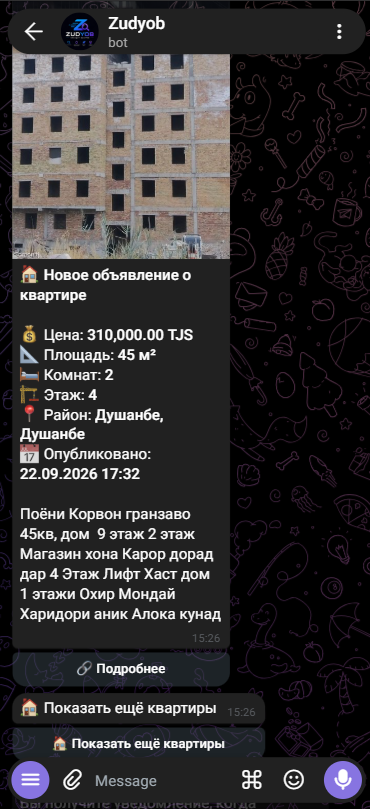
New apartment notification
A search result presented as a listing card.