
Contact form and support
Enquiry form, social channels and company contacts
Contact section architecture
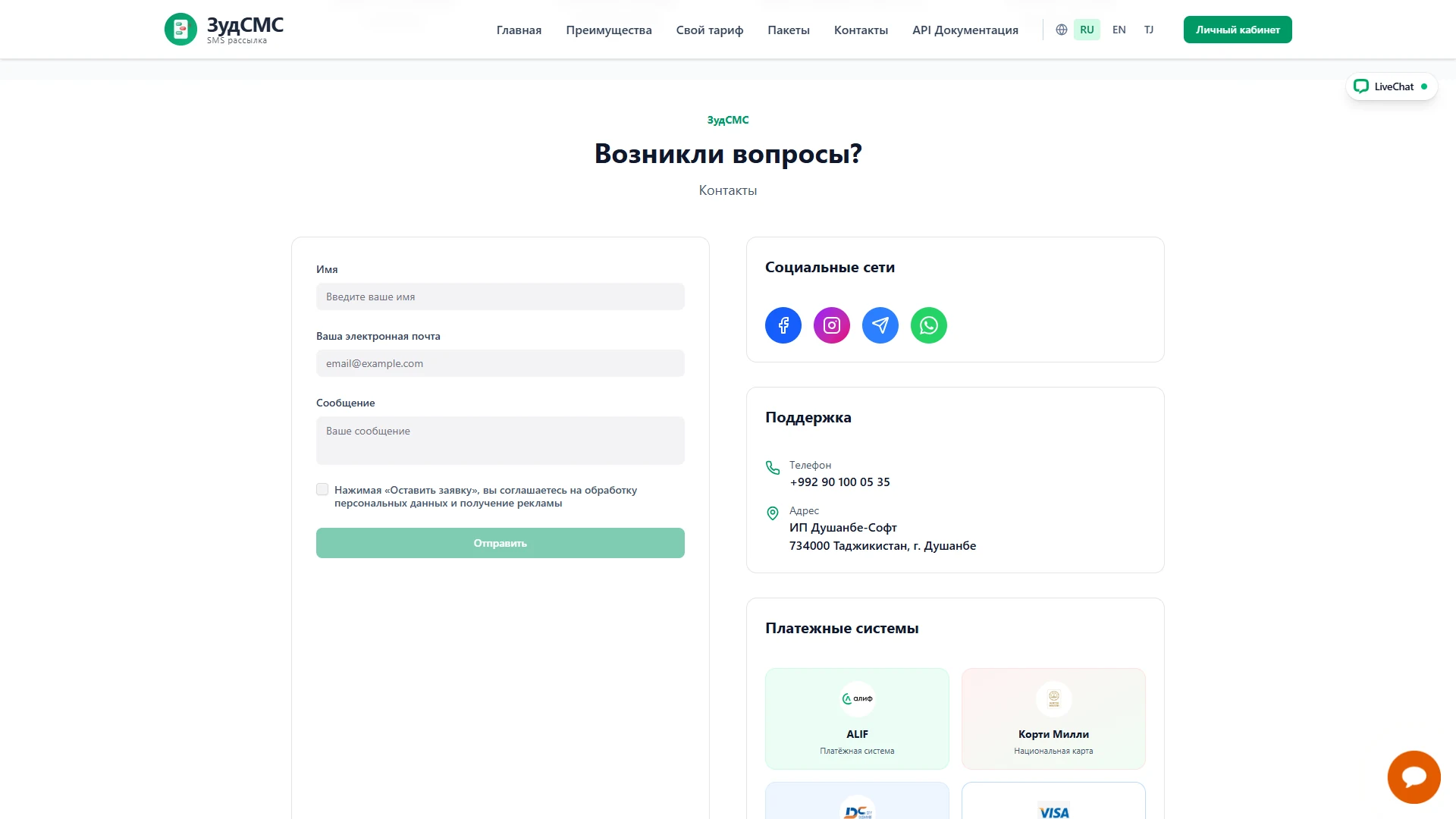
The questions section uses two columns: an enquiry form on the left and social channels, support details and payment information on the right.
1. Enquiry form
Name, email and message fields are followed by a consent checkbox covering personal data processing and advertising, then a Send button. The field sequence provides a clear route for composing an enquiry.
2. Alternative contact channels
Facebook, Instagram, Telegram and WhatsApp icons sit in a dedicated panel. A support card lists the company phone and Dushanbe address, identifying the provider and offering other ways to contact it.
3. User journey and business value
Customers describe their question or choose a contact channel. Bringing these options together makes pricing and setup enquiries easier.