
🇬🇧EN
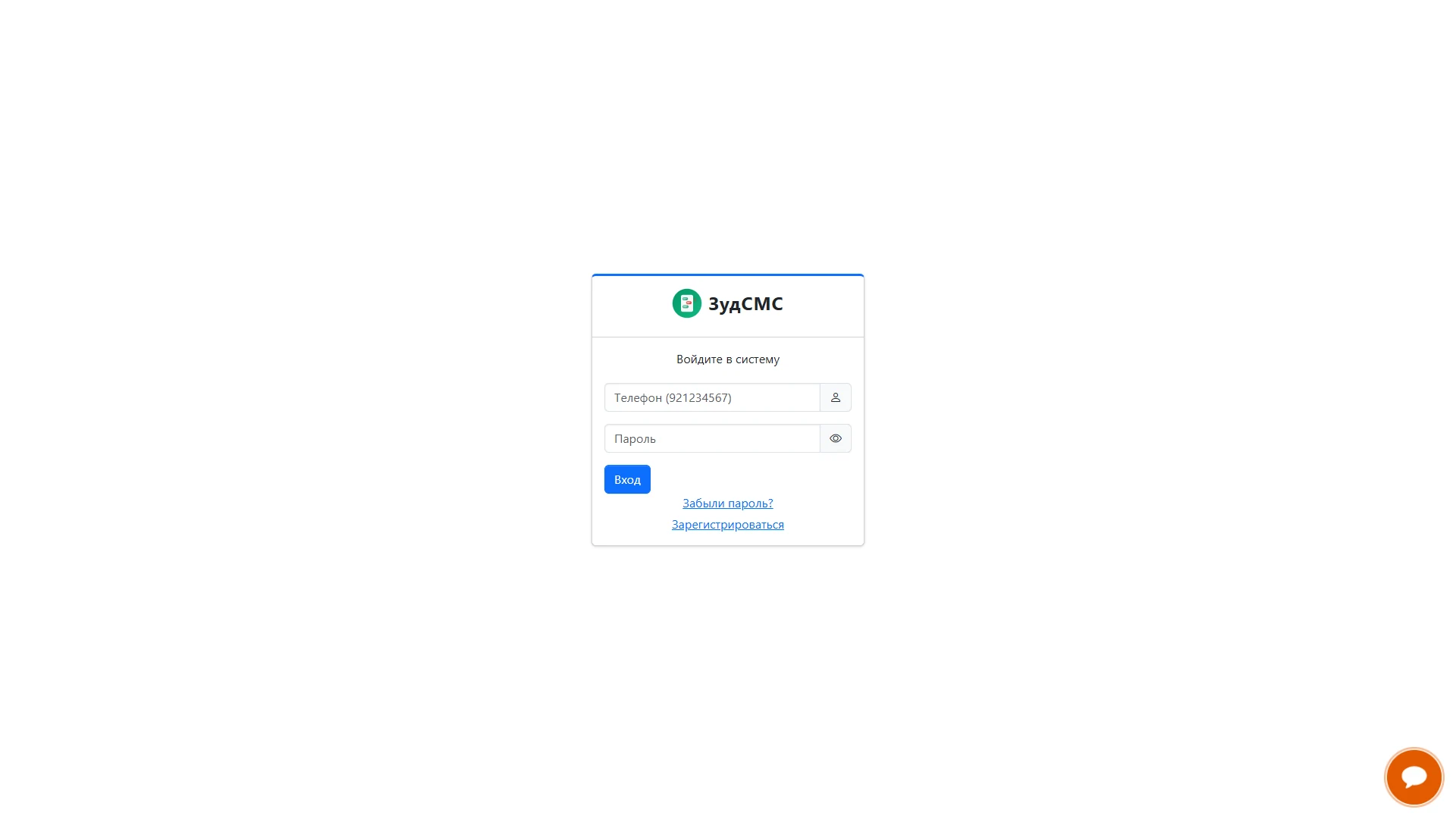
Account login
Sign in with a phone number and password.
Sign in with a phone number and password.
1. Screen structure
A compact ZudSMS card sits in the centre of a light screen. Icons accompany the phone and password fields; an eye control indicates password visibility.
2. Controls and actions
Below Sign in are password recovery and registration links. A chat widget provides a support entry point.
3. User journey and value
This focused layout supports returning customers, new users and people who need to recover access.