
🇬🇧EN
Contacts: getting started
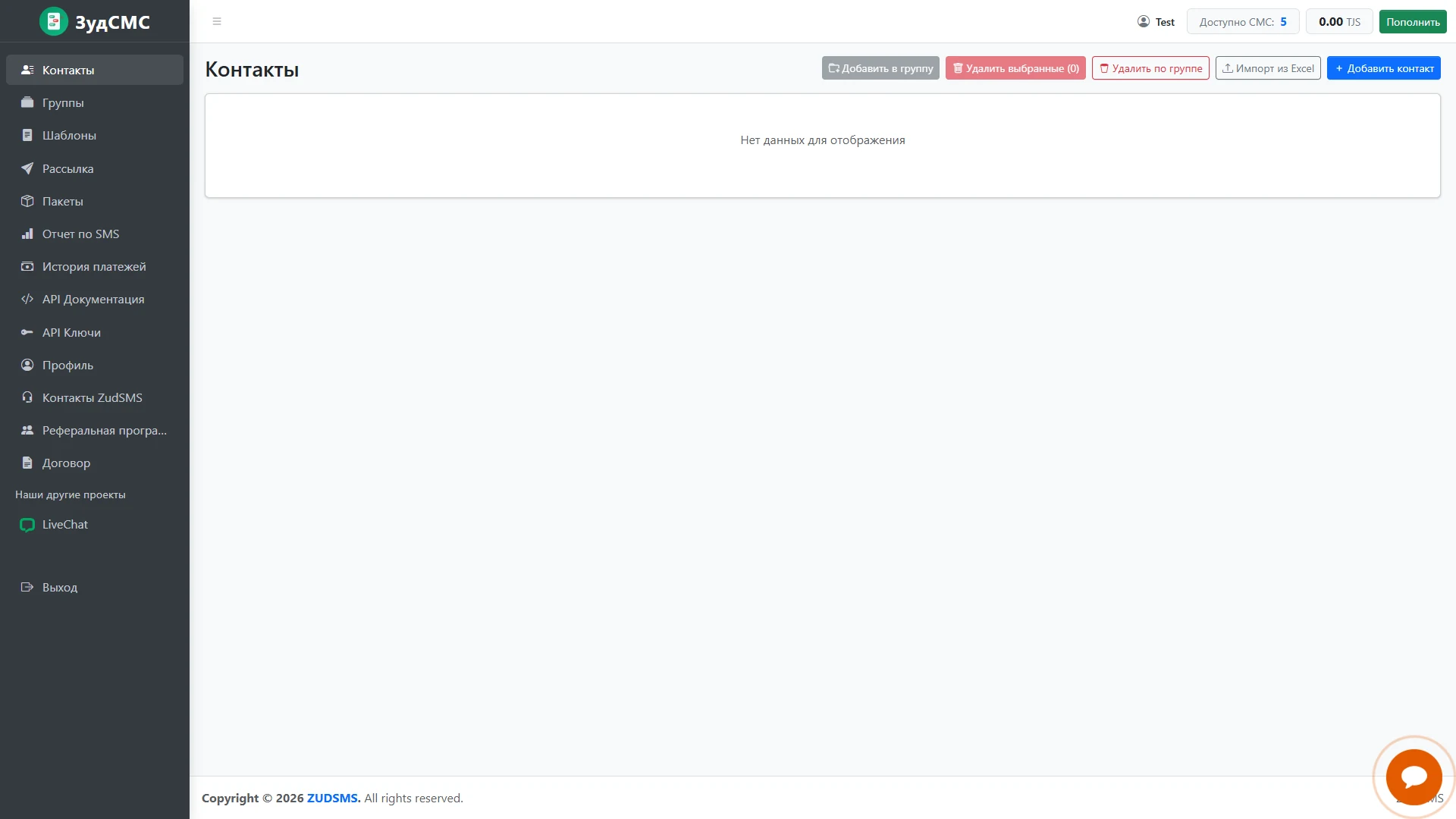
An empty address book in a new account.
An empty address book in a new account.
1. Screen structure
The workspace reports no data. The sidebar provides account navigation; the header shows the user, SMS allowance, balance and top-up action.
2. Controls and actions
The toolbar offers Excel import, manual entry, group assignment and deletion. The selected-row count is zero.
3. User journey and value
The layout directs attention to building a recipient list while keeping tools consistently positioned.