
🇬🇧EN
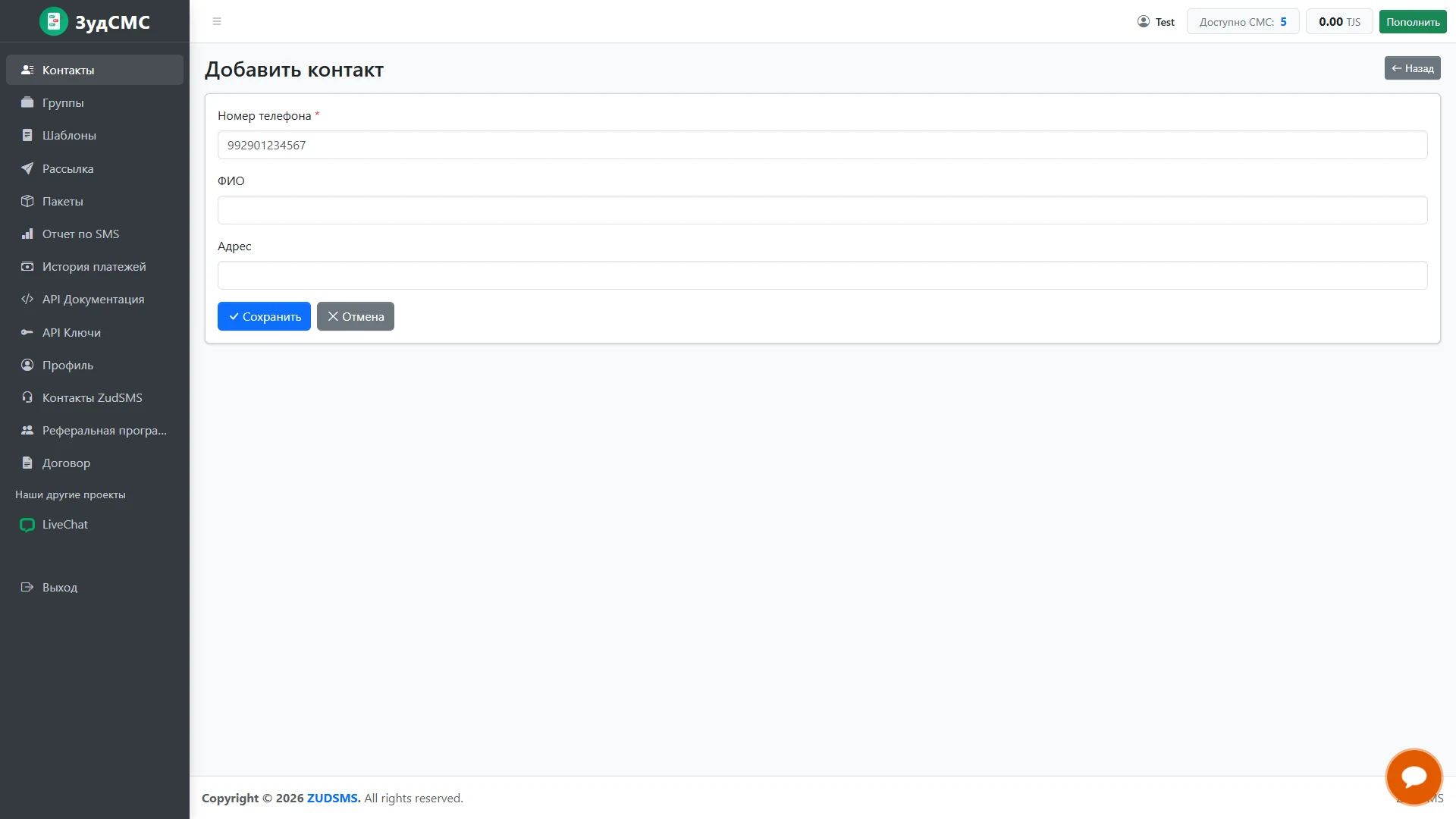
Add a contact
Manual recipient entry.
Manual recipient entry.
1. Screen structure
The form contains a required phone number, full name and address. Wide fields use a single column, with an asterisk marking the mandatory value.
2. Controls and actions
Save and Cancel sit below; Back returns to the list. Navigation and balance indicators remain visible.
3. User journey and value
This screen supports individual additions and prepares contact data for message personalisation.