
🇬🇧EN
Campaigns: getting started
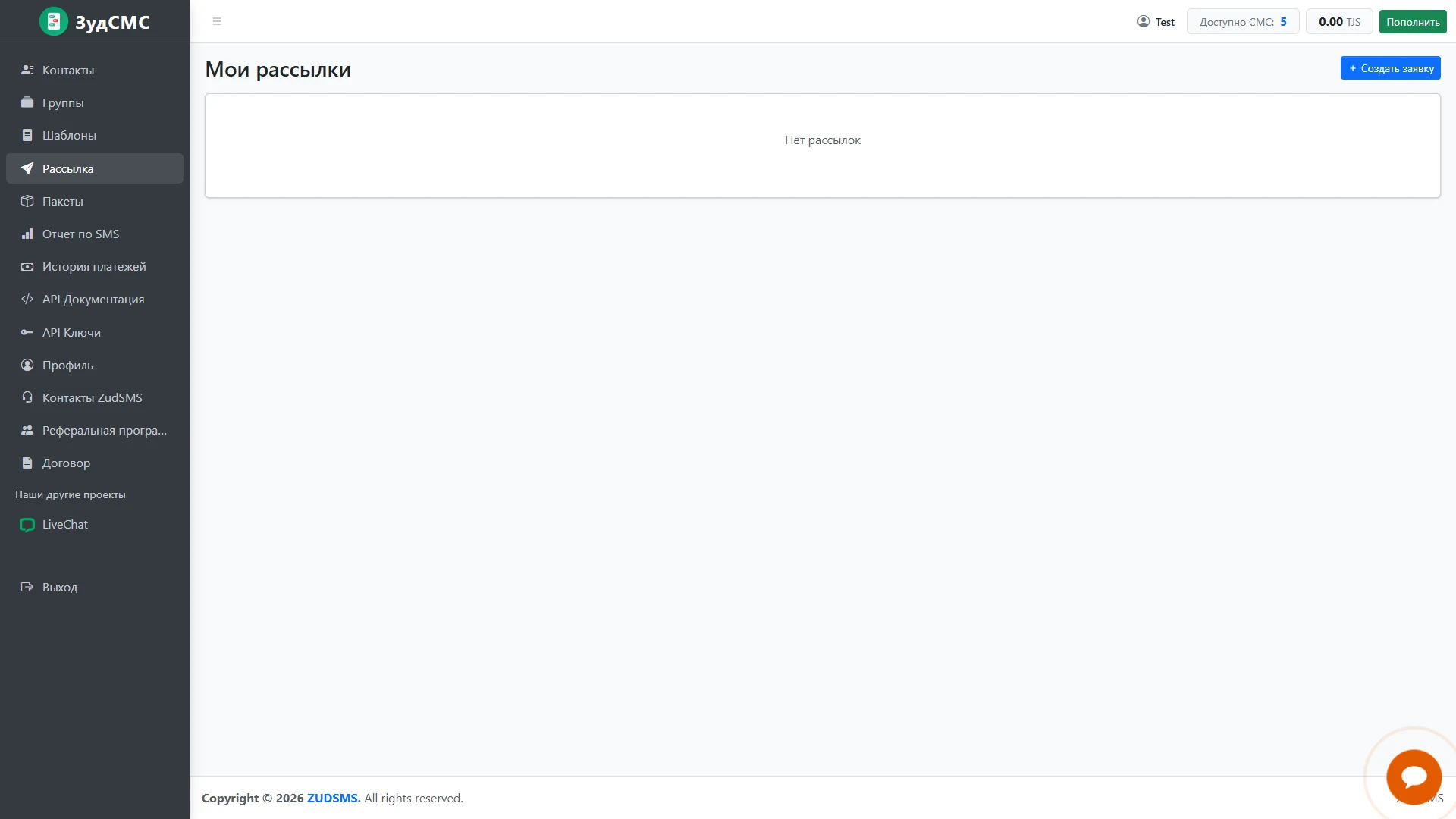
The initial My campaigns screen.
The initial My campaigns screen.
1. Screen structure
The main panel reports no campaigns. Create request appears beside the heading, while Campaigns is highlighted in navigation.
2. Controls and actions
The header shows SMS availability and account balance before message preparation.
3. User journey and value
This empty state offers one clear primary action for starting the first campaign.