
🇬🇧EN
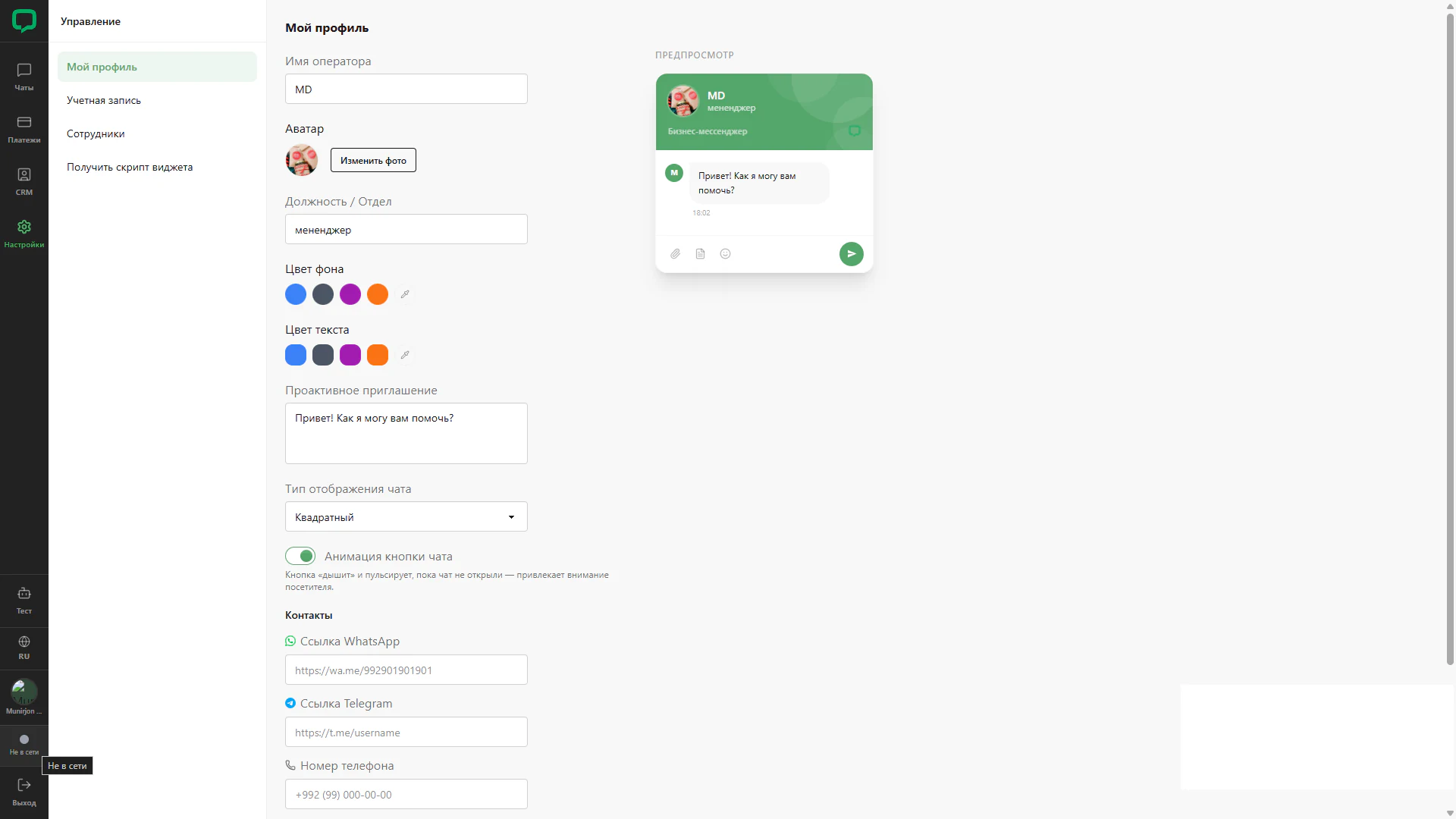
Operator offline status
Operator unavailability displayed in the side bar.
Architecture and functionality: Operator offline status
Operator unavailability displayed in the side bar.
1. Indicator
A grey dot and Offline label appear near the bottom of navigation. A tooltip repeats the status.
2. Working page
Profile settings, colours, greeting, chat type and contact fields remain open.
3. Preview
The chat mockup remains beside the form. The screen captures the operator’s visual status; request routing changes are not shown.