
🇬🇧EN
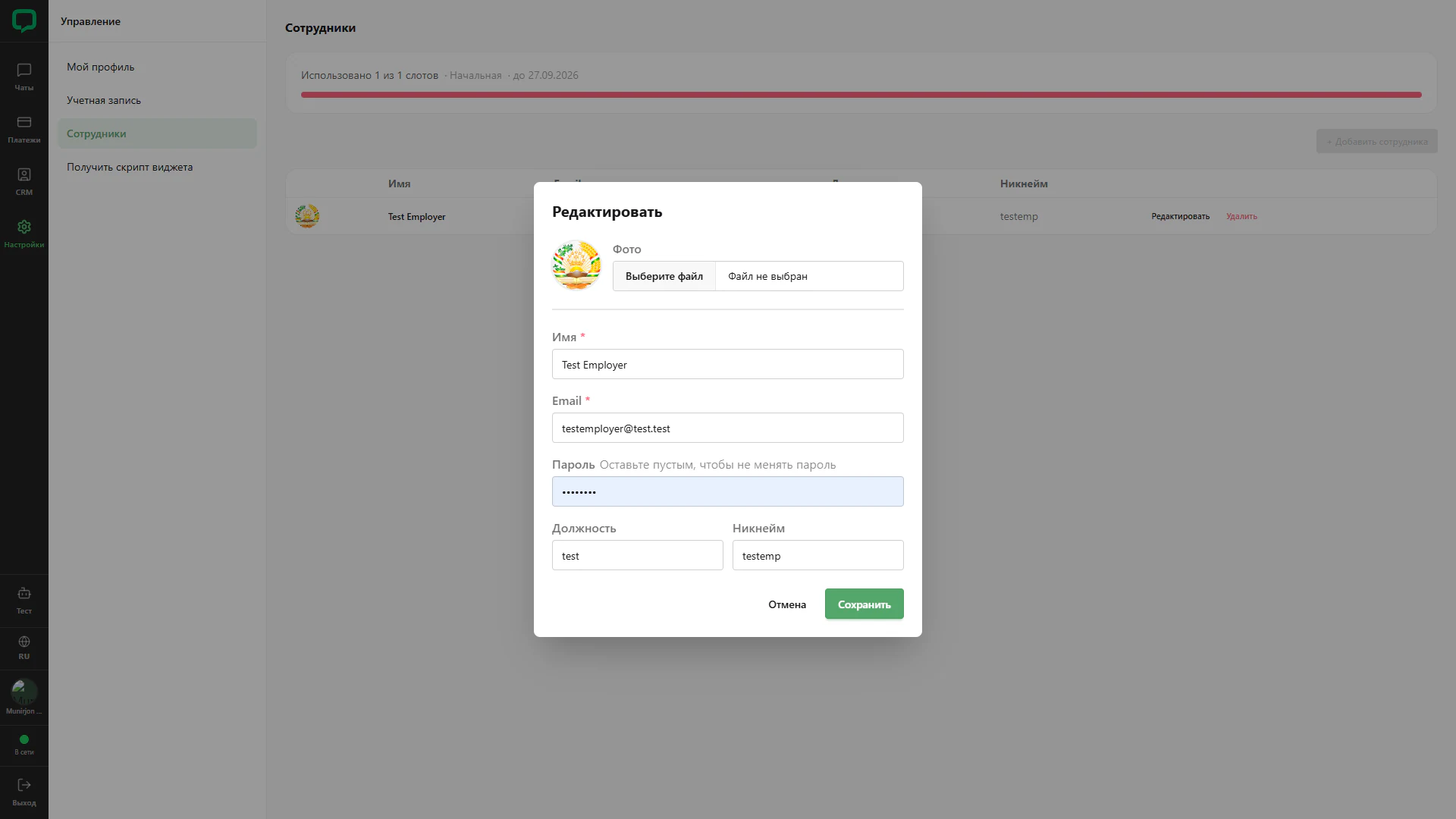
Editing an employee
Editing an existing employee’s profile and account details.
Architecture and functionality: Editing an employee
Editing an existing employee’s profile and account details.
1. Current values
The form shows avatar, name, email, position and nickname. No replacement photo file has been selected.
2. Password
A hint says to leave the field empty to keep the password unchanged. The screenshot currently shows a masked value.
3. Actions
Cancel and Save appear below. The employee table and full slot usage remain visible in the background.