
🇬🇧EN
Employee account settings
Notification and password settings in the employee account.
Architecture and functionality: Employee account settings
Notification and password settings in the employee account.
1. Navigation
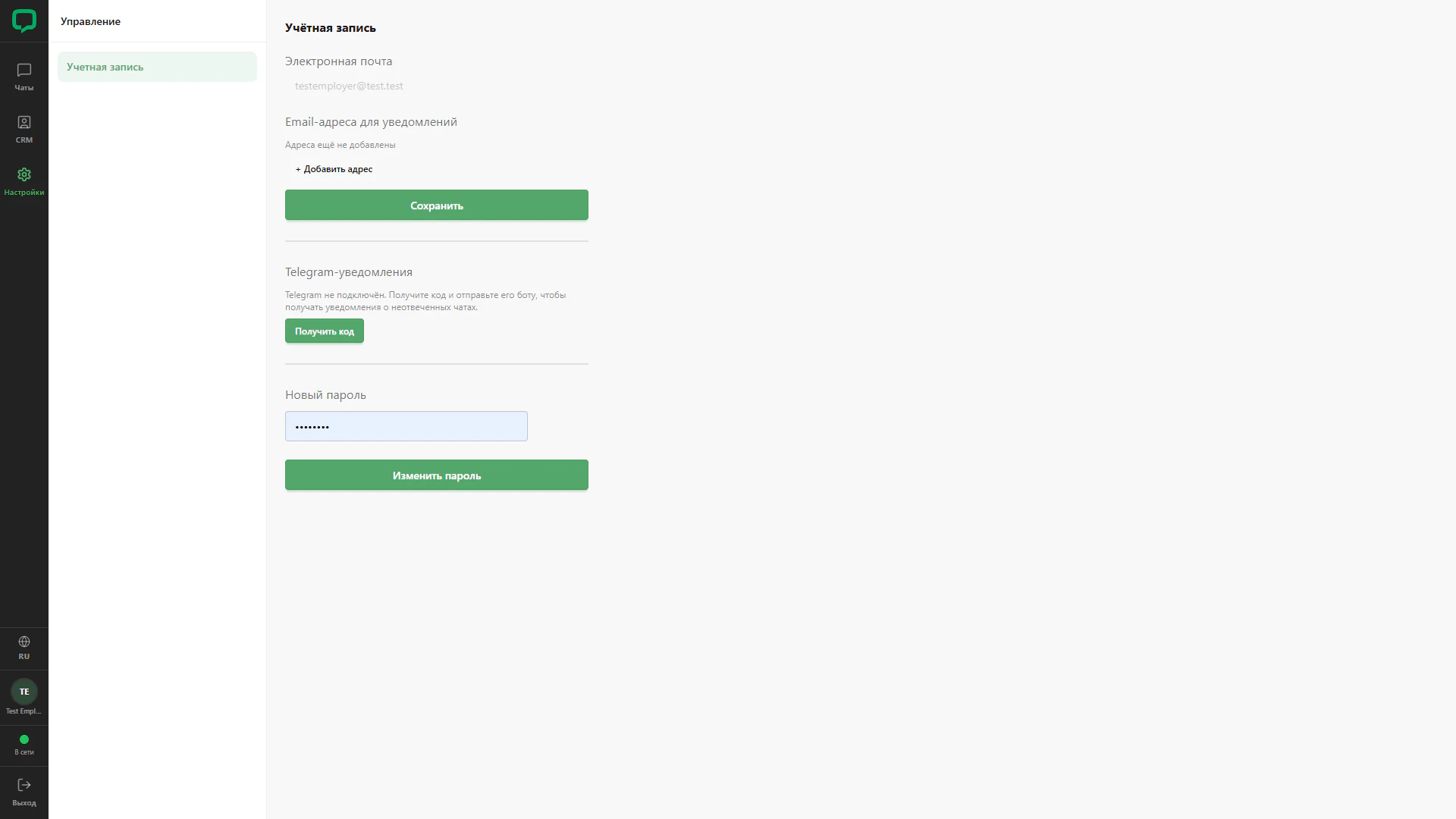
The screenshot provides Chats, CRM and Settings, with Account in the submenu. The test employee profile appears below.
2. Notifications
The primary email, empty notification address list, Add and Save are visible. The Telegram section offers a connection code.
3. Password
A separate section contains a masked new-password field and a change button. The screen demonstrates the employee’s settings view.