
🇬🇧EN
Contract template and upload
Prepare a contract in the account.
Prepare a contract in the account.
1. Screen structure
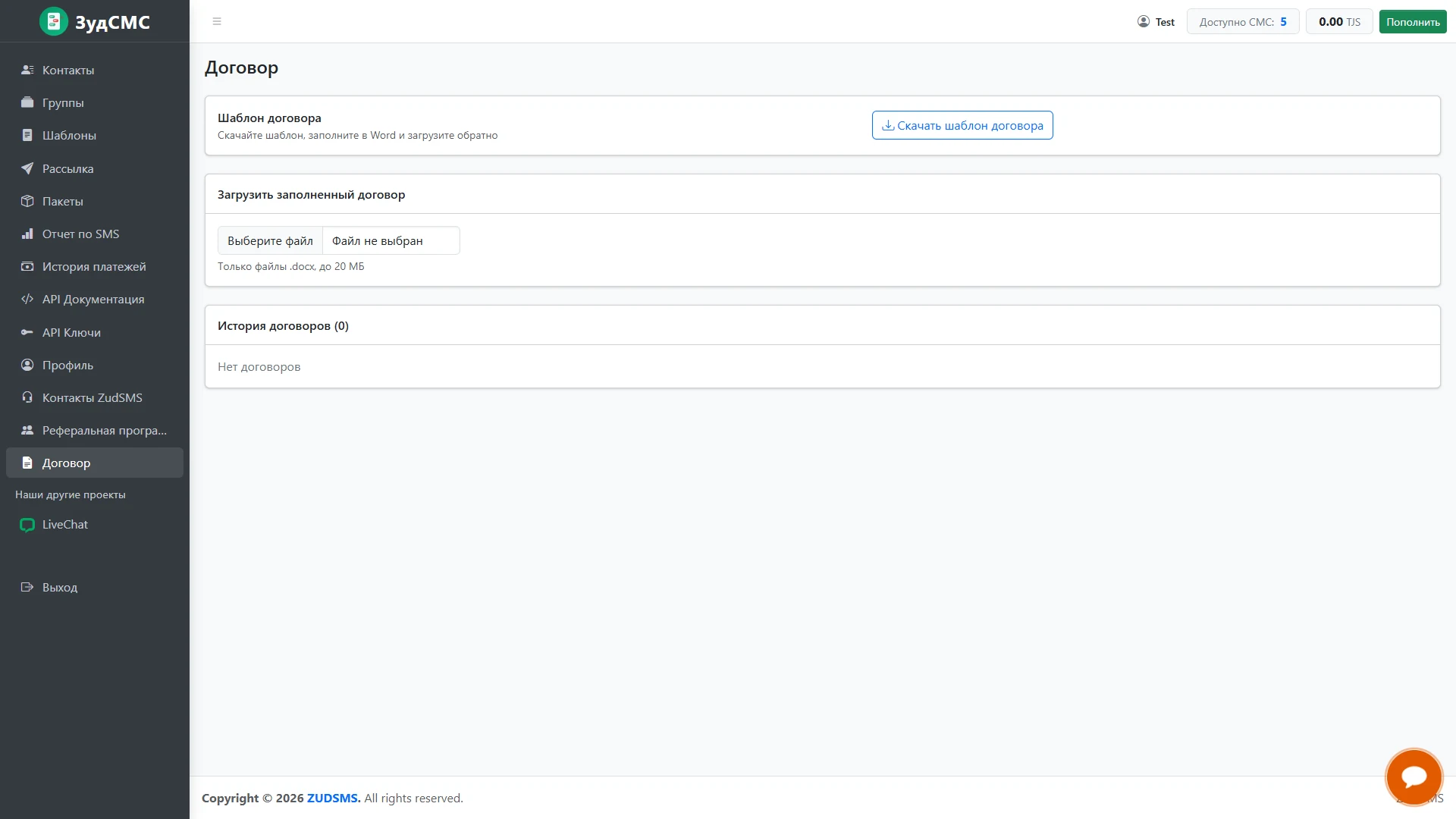
The first panel offers a template to download, complete in Word and upload back. Download is separated from the next step.
2. Controls and actions
A second card contains a file selector with .docx and 20 MB guidance. An empty contract history follows.
3. User journey and value
The template, completion and upload sequence keeps document submission clear and inside the customer workspace.