
🇬🇧EN
SMS text personalisation
Insert a variable into a message.
Insert a variable into a message.
1. Screen structure
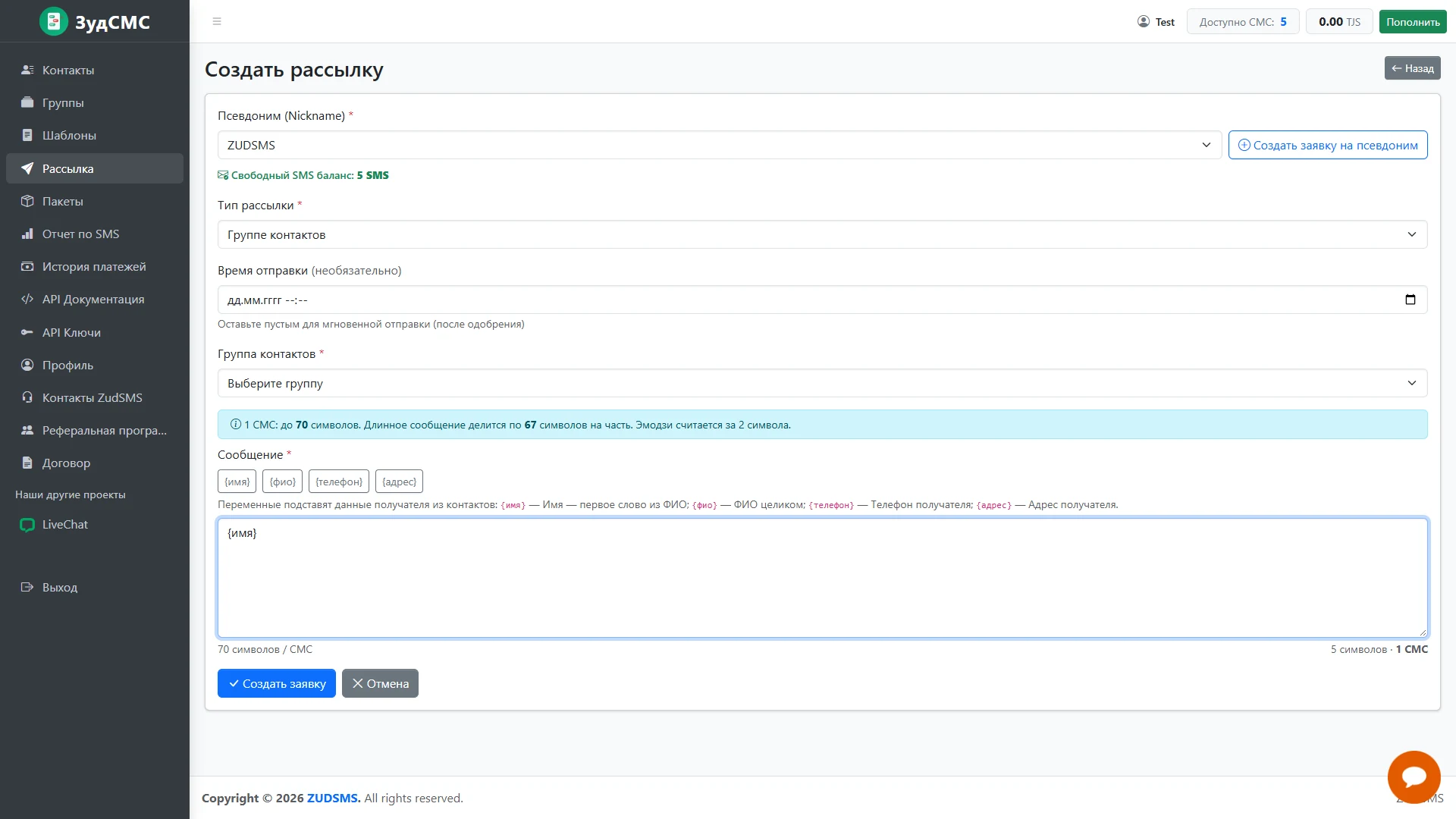
A name placeholder appears in the editor. Buttons above offer name, full name, phone and address, with a hint explaining contact-based values.
2. Controls and actions
The counter shows current text length and segments. No group is selected yet, marking an intermediate preparation state.
3. User journey and value
Variables support a shared message with individual greetings.